
Microsoft has rolled out an emergency out-of-band patch, KB5136483, for Windows 11 version 23H2 on November 13, 2026. The release resolves a licensing and activation issue that appeared after installing the November 10 security patch (Windows 11 KB5132061 (November 2026) Update: What’s New, Fixes, and Download). The problem caused some Software Licensing Management Tool (SLMGR) commands to show a failure message with specific error 0x80041008.
The issue primarily affected organisations that functioned on Key Management Service (KMS) activation, product key management, and command-line tools. Microsoft has now offered a specific cumulative update to get rid of the failure without waiting until the next Patch Tuesday update.
Windows 11 23H2 users should download the separate package from the Microsoft Update Catalogue or install KB5136483 through Windows Update.
Read KB5136483 official update documentation for more information.
New Change in Windows 11 KB5136483
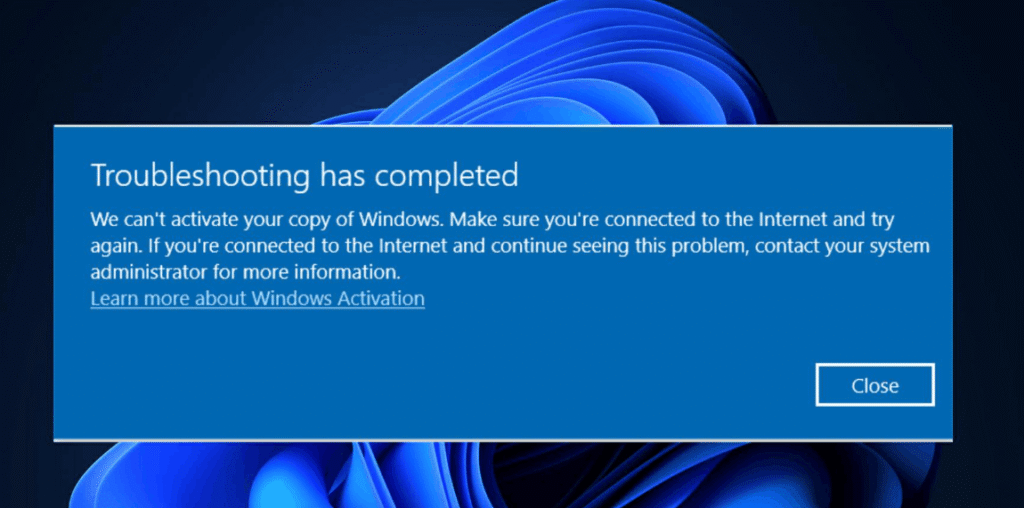
KB5136483 is a non-security out-of-band cumulative update rolled outside Microsoft’s general monthly Patch Tuesday schedule. Its main aim is to resolve the activation and licensing issue linked with the latest November security updates.
Prior to this emergency rollout, administrators mentioned that some commands started through SLMGR were returning with error 0x80041008.
0x80041008 – Invalid parameter (SWbemObjectEx)
Microsoft has reported two vulnerable commands:
- slmgr.vbs /ipk <key> – Used to install a Windows product key.
- slmgr.vbs /skms-domain <domain> – Used to set up the domain for navigating a Key Management Service host.
The failure could interfere with licensing operations in a business environment, product key configuration, and automated activation scripts.
The latest update solves these reported issues. Microsoft has also shed light on the devices that were already activated before the problem came into the mainstream. As a result, Users do not require to apply any changes in their existing activation configurations needlessly.
Versions Receiving KB5136483 Update
KB5136483 has been released by Microsoft for Windows 11 version 23H2 across all its compatible versions.
| Update information | |
| Update | KB5136483 |
| Release date | November 13, 2026 |
| Windows version | Windows 11 23H2 |
| OS Build | 22631.7714 |
| Update type | Out-of-band cumulative |
| Main fix | Activation error 0x80041008 |
The package is particularly intended for Windows 11 23H2 users. It should not be installed on Windows 11 26H2, 25H2, and 24H2 devices.
If you are not sure about your system’s version, Press Win + R, enter winver, and hit Enter. The About Windows interface will show your installed build number and version.
Download and install KB5136483 on Windows 11 23H2
The emergency update can be installed on your system either through Windows Update settings or the Microsoft Update Catalog.
Installing KB5136483 (Windows Update)
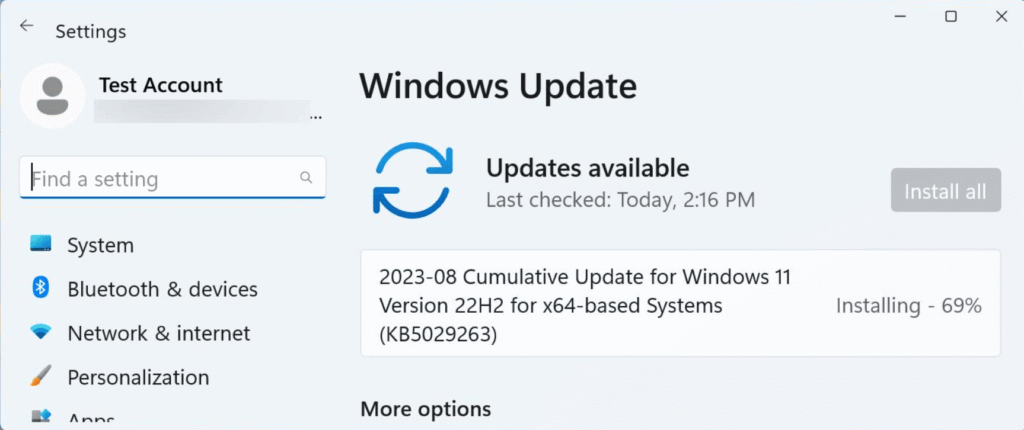
The most convenient method is to check Windows Update for the latest released package.
- Hold Win + I to go to Settings.
- Choose Windows Update from the left menu.
- Select Check for updates.
- Find KB5136483 in the available updates list.
- If it shows up under optional updates, go to that section and click on it.
- Click Download and install.
- Restart your system when Windows prompts it.
Enable the installation to completely finish before turning off your system. After restarting, Windows should finish the update process.
In case the package is not visible, check again after some time. Availability in the Windows Update interface relies on the system and update servicing circumstances.
Go to Microsoft’s official website for more Advance Windows 8 options
Download KB5136483 from the Microsoft Update Catalog manually.
You can also download the update from the standalone package. This way is convenient for administrators who require to execute the update across various systems.
- Go to the Microsoft Update Catalog.
- Type KB5136483 in the search box.
- Hit Enter to display the available packages.
- Look for the package aligning with your Windows 11 23H2 system architecture.
- Click the Download button right next to the update Entry.
- Open the downloaded MSU file and follow the on-screen commands.
- Restart Windows after the installation completes.
Always confirm the system architecture and Windows version before downloading an update. Installing the update made for a different version can lead to installation errors.
Confirm whether KB5136483 is installed
After restarting your system, ensure that the emergency patch was installed successfully.
- Hold Win + R on your keyboard.
- Enter winver and hit Enter.
- Verify the OS build shown in the About Windows interface.
Windows 11 version 23H2 should display OS Build 22631.7714 after the installation of KB5136483.
You can also go to Settings > Windows Update > Update history to find the cumulative update in the Quality Updates panel.
Any Known issues with KB5136483
As of now, Microsoft has not mentioned any latest known Issues for the KB5136483 in its update documentation.
The primary aim of this emergency release is to sort out licensing and activation failures linked to error 0x80041008. Organisations that experience the issue should install the update and check their affected licensing functionalities again.
If the same error continues to persist even after installation, administrators should check their activation scripts, ensure that the right package was installed, and connect with Microsoft Support for Business.
Go to official Microsoft website for Windows 11 23H2 OS build information
KB Realeases and affected versions
| Update Name | OS Version |
| KB5136483 | Windows 11 23H2 |
| KB5136489 | Windows Server 2025 |
| KB5136487 | Windows Server 2022 |
| KB5136490 | Windows Server 2019, Windows 10 Enterprise LTSC 2019 |
| KB5136493 | Windows 10 22H2 ESU and Enterprise LTSC 2021 |
Final Words
Windows 11 KB5136483 is an emergency out-of-band update released on November 13, 2026, for edition 23H2. It resolves activation error 0x80041008 that affected some SLMGR licensing operations and SLMGR commands following the November security patch.
Users can download the patch through the Microsoft Update Catalog or Windows Update. After installation, check that the PC has advanced to OS Build 22631.7714