
AMD has launched Adrenalin Software Version 26.11.2 for Windows 10 and Windows 11, bringing various important resolutions for Radeon graphics cards. The upgrade resolves issues involving driver timeouts, OBS Studio streaming, game crashes, memory leaks, and a large amount of writes to the system drive. It also integrates compatibility for ROCm 10.2 and two new games.
Though, the upgrade does not fix every issue affecting Radeon users. AMD has also reported multiple existing problems, including a Cyberpunk 2077 driver timeout, Assassin’s Creed Black Flag Resynced, crashes in Assassin’s Creed Black Flag Resynced, and a black screen when opening Gears of War: Reloaded on certain Ryzen processors.
Here is what the latest driver upgrades are and which issues Radeon users should be aware of before installing them.
AMD Adrenalin 26.11.2: What’s New?
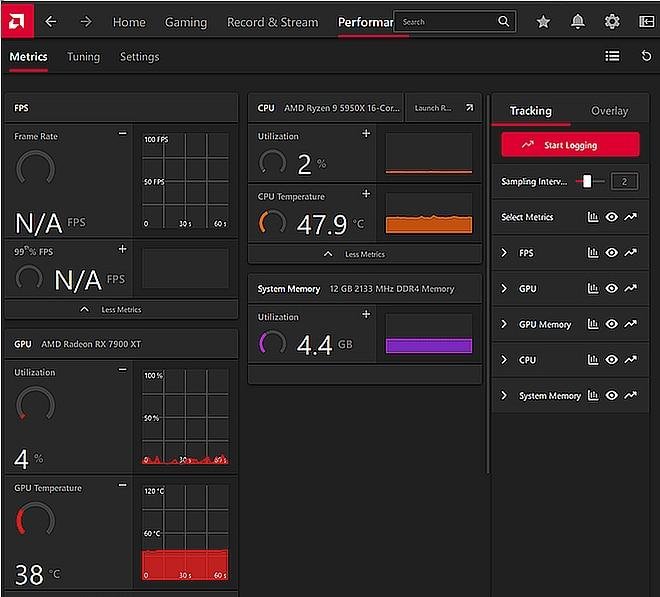
The November 18 driver update primarily focuses on reliability and stability enhancements despite announcing a major new gaming feature.
Read more in the official AMD Adrenalin 26.11.2 release notes
AMD has integrated compatibility for Phantom Blade Zero, ROCm 10.2, and the Crimson Desert Enhanced: Charting the Unknown DLC. The change is supported on Radeon RX 9000, RX 7000, and RX 6000 series graphics cards, including supported Radeon integrated graphics products.
The most essential component of this release is its list of resolved issues.
Problems Fixed in AMD Adrenalin 26.11.2
AMD has reported various resolutions affecting distinct Radeon graphics generations.
1. Memory Leak Causing Applications to Launch Slowly
One of the more promising fixes resolves a memory leak issue affecting Radeon RX 5000 series and newer graphics cards.
The bug could develop over time, causing applications to take longer than usual to launch. This could become particularly irritating for users who keep their systems functioning for extended periods.
AMD reports this issue as fixed in Adrenalin 26.11.2.
2. OBS Studio Crashes and Driver Timeouts
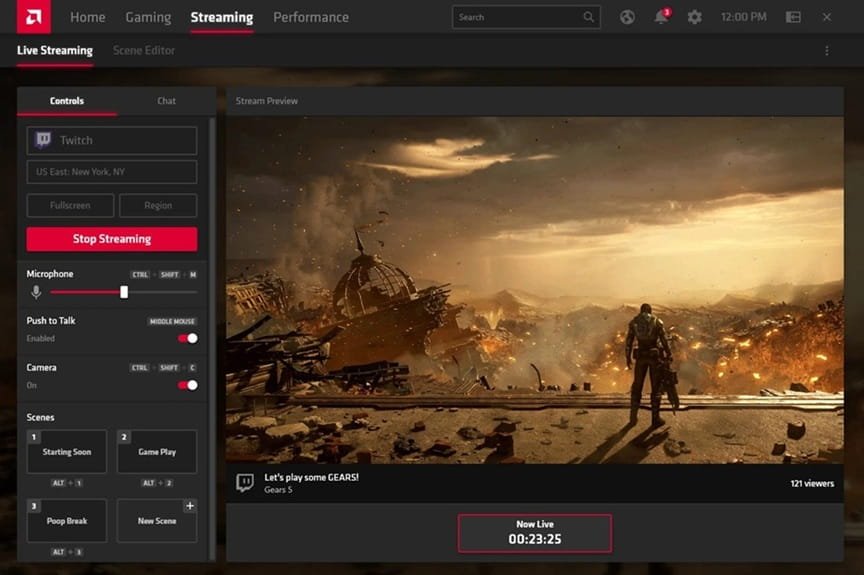
Users with Radeon RX 9000 series graphics cards could face sudden application driver timeouts or crashes during streaming with OBS Studio.
This issue could break recording sessions and live broadcasts. The new driver mentions a fix for the issue.
3. Excessive SSD Writes While Windows Is Idle
AMD has also reported excessive system-drive writes on Radeon RX 6000 and RX 5000 graphics cards functioning on Windows 10.
The issue could happen while the computer was inactive, potentially launching excessive background writes to the system drive.
This is specifically associated because AMD previously addressed unnecessary writes affecting RX 7000 and newer graphics cards through Adrenalin 26.11.1. The 26.11.2 release extends the mentioned fix to the older RX 6000 and RX 5000 generations on systems running Windows 10.
A similar SSD write problem was also reported with recent NVIDIA GeForce drivers. Read more about the NVIDIA SSD write bug and its hotfix
4. Game Crashes and Other Stability Fixes
The latest driver also fixes multiple additional issues:
- War Thunder could face occasional driver timeouts on Radeon RX 5000 series GPUs.
- Resident Evil Requiem could fail on its initial launch after resetting the shader cache on RX 7000 series and newer graphics cards.
- Games could crash after using the AMD Cleanup tool on systems running Windows 10 with RX 9000 series graphics cards.
- Character hair could show visual crashes in Phantom Blade Zero on RX 9000 series graphics cards.
- Systems with RX 7000 series GPUs could crash when opening programs from long file paths.
- Smart Access Memory could become disabled after installing a driver on Windows 10.
- PETAFAB: Bot Invasion could fail to launch on RX 6000 series graphics cards.
These resolutions make the launch relevant to both user-facing general graphics driver inconsistency and gamers.
Known Issues in AMD Adrenalin 26.11.2
Rather than just the fixes, AMD has some issues that exist with the PC.
Cyberpunk 2077: Several RX 9000 users may face driver timeouts and application crashes while using Radeon Anti-Lag, in-game frame generation and AMD FSR Upscaling together while streaming a video on a different display. AMD suggests turning off in-game frame generation as a resolution.
Assassin’s Creed Black Flag Resynced: occasional driver timeouts or application crashes may happen on Radeon RX 7000 series graphics cards.
Crimson Desert: The game may fail to start on Radeon RX 6000 series graphics cards. AMD suggests installing Adrenalin 26.11.1 for vulnerable systems.
Gears of War: Reloaded: A black screen may display when opening the game on Ryzen AI 9 400 series processors. AMD suggests shifting the in-game display mode to Windowed and then going back to Fullscreen.
Other documented problems include black visual corruption in the same game on RX 9000 GPUs, Alt + Tab making Call of Duty: Modern Warfare Remastered unresponsive on Ryzen AI Max PRO 400 series processors, and a blank display appearing in several Adrenalin software tabs.
AMD also mentions that AI Bundle elements may fail to install in regions with restricted access to GitHub and Hugging Face.
How to Download AMD Adrenalin 26.11.2
In case, your Radeon graphics card is affected by one of the fixed issues, you can download the new driver from AMD.
- Go to the AMD Drivers and Support page.
- Choose your compatible processor or Radeon graphics card.
- Click on the supported Windows version.
- Download AMD Software: Adrenalin version 26.11.2.
- Run the downloaded installer and follow the on-screen commands.
- Restart your system after installation completes.
If you have issues after installing the driver, AMD suggests using its Cleanup tool when rolling back to a prior Adrenalin version. Laptop and all-in-one users should also consider upgrading their manufacturer’s drivers, as the system-specific changes may need OEM-customized packages.
Should You Install AMD Adrenalin 26.11.2?
Adrenalin 26.11.2 is an essential update focused on stability, specifically for Radeon owners vulnerable to unnecessary system driver writes, game instability, OBS streaming crashes and memory leaks.
Though, users facing one of the newly reported game-specific issues should review AMD’s known-issues list before updating. The release resolves various important problems, but it does not fix every compatibility problem.
Visit the official website and read the release notes for the complete download and compatibility details before installing the update.