
Designing AI images on your Windows 11 system is now free and simple in 2026. You don’t need daily credit limits or paid subscriptions. Various free tools allow you to create high-quality images straight from your PC. Once downloaded, most of them work offline afterwards.
This article highlights the best free AI image generators that are currently trending and work well on Windows 11. These tools are completely free to use, can run locally for better privacy, and have no usage limits.
Reasons to use a Free AI Image Generator on Windows 11
Online AI image tools are useful, but they come with restrictions and limits. Free subscription plans often limit the quantity of images you can create every day. Your pictures and prompts go directly to the company’s server. Paid subscription plans add additional cost.
Free local tools resolve these issues. Once you download the model and the application, you can generate as many images as you want without any internet access. Your information remains on your system. There are no restrictions or limits. Hardware has advanced enough that many old Windows 11 systems with 8 GB or more of dedicated GPU memory can run these programs seamlessly.
Related: Best Free Offline AI Tools for Windows 11 – No Internet Needed
Fooocus – Beginner-Friendly
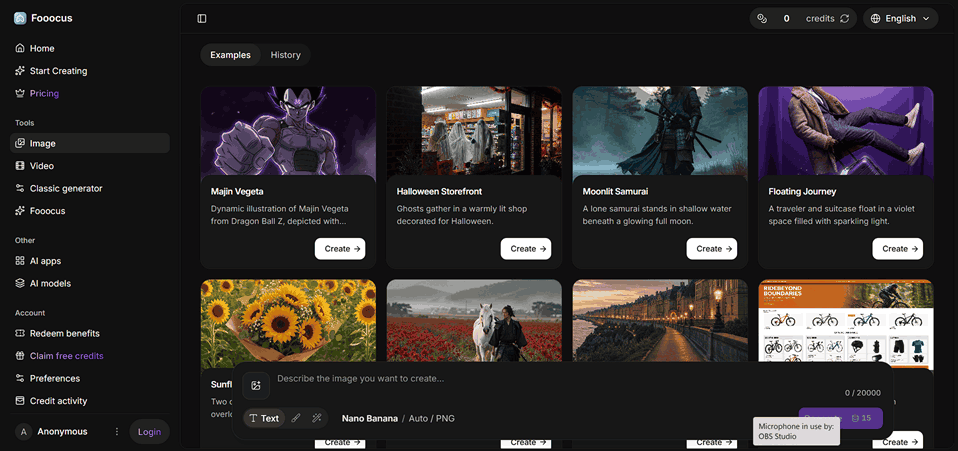
Fooocus is the most user-friendly free AI image generator for all Windows 11 users. It is developed to act like Midjourney. You enter a prompt, click generate, and obtain great outcomes without making any changes to the settings. I
It functions completely offline after setting up. The user interface is simple and clean. Fooocus enhances your prompts and manages quality settings in the background automatically. It is compatible with SDXL models and requires only approx. 4-8 GB of dedicated GPU memory for good enough outcomes.
Advantages
- Great quality with a beginner-friendly interface
- Easy to use
- Fully offline and free
- Quick installation
Disadvantages
- Lack of advanced options
- Minimal support for the latest models
Download Fooocus from the official GitHub webpage and run the given Windows package. It is the most starter-focused way if you need to design images quickly.
Related: Generate Multiple Size Images using VarieDrop on Your Own Choice
ComfyUI – Complete Control
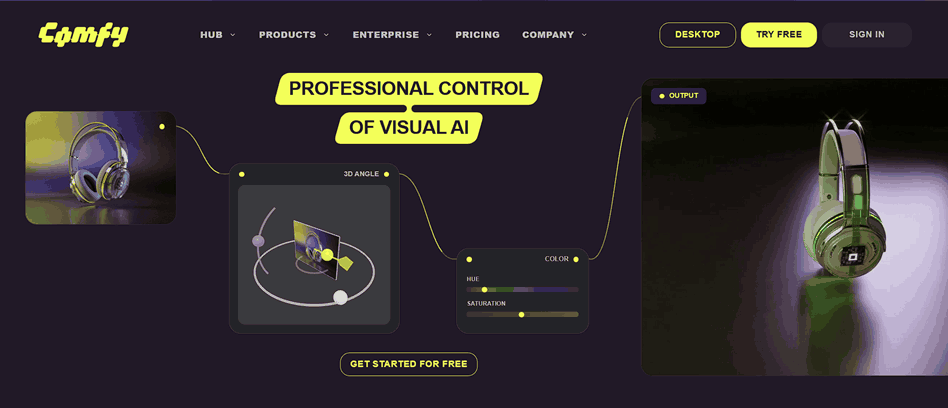
ComfyUI is a complete package and is available for free in 2026. It works with a node-based model where you establish a connection with different blocks to develop your image workflow. This provides support and maximum control for newer models, including Flux and the latest Stable Diffusion versions.
It consists of an official desktop application for Windows 11, making it more convenient for users than before. After setting up, the app runs offline. Professional users prefer it because the latest models are displayed here first. You can fine-tune every detail, batch-generate images, and create complex workflows.
Advantages
- Compatible with the latest models
- Excellent adaptability
- Development in progress
- Open source and free
Disadvantages
- Easy to learn
- Requires a lot of setup time
In case you are planning to use AI generation seriously, this application is worth using. Begin with the official desktop app for Windows.
InvokeAI – Canvas Work and Editing
InvokeAI provides a clean and simple interface with excellent editing tools. It consists of a canvas where you can refine, inpaint, and paint images effortlessly. It is compatible with many trending models and functions offline on Windows 11.
The installer is simple. You are provided with a modern look without the complication of node graphs. It is an excellent midpoint between ComfyUI power and Fooocus simplicity.
Advantages
- Great canvas editing tools
- Modern and clean interface
- Completely offline after setting up
- Open source and free
Disadvantages
Fewer popular model options in comparison to ComfyUI
Prefer InvokeAI if you often require to improve or edit already generated images.
Stability Matrix – Easy Management
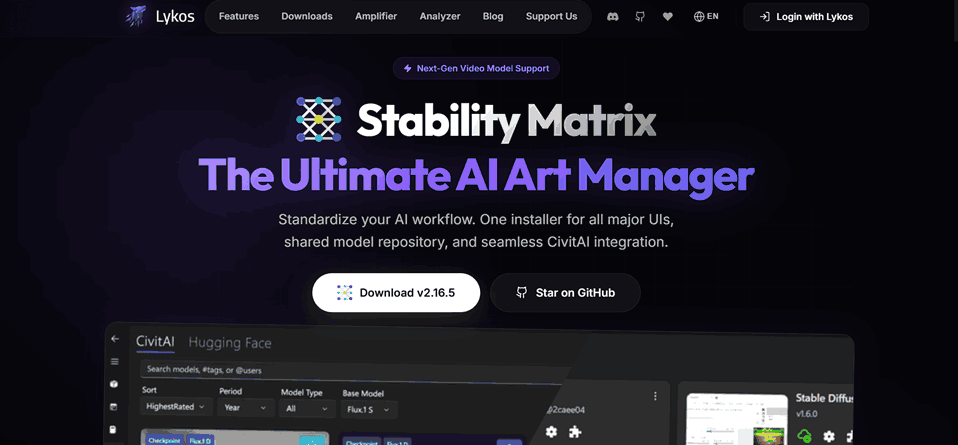
Stability Matrix supports you in managing and installing numerous AI image tools in a single aggregate place. It is quite easy to switch between interfaces and download various models. It is completely free and works great on Windows 11.
This tool is convenient if you prefer to try ComfyUI, Fooocus, and others without handling separate applications.
Choosing the Right Free AI Image Generator
Most people start with Fooocus and then shift to ComfyUI when the require more models and control.
- Just beginning? Use Fooocus
- Need the newest models and maximum power? Use ComfyUI
- Require excellent editing tools? Use INvokeAI
- Want to handle multiple tools at once? Use Stability Matrix
Starting with Fooocus and then moving to ComfyUI would be a better option for beginners. These tools are fully free. You just require a Windows 11 system with a goo enough dedicated GPU (NVIDIA with + * GB VRAM or more) and sufficient disk storage for models.
Conclusion
All free AI image creators on Windows 11 have come too far in 2026. You can create and design high-quality pictures privately, without monthly fees or daily limits. Begin with Fooocus if you prefer simplicity. Move to ComfyUI if you are ready to adapt to more professional features.
Download one tool from the above-mentioned list, load a trending model, and try to create a few images. Once you get unlimited image generation, it becomes hard to move back to limited online services.