

How to Copy Items Anywhere from Windows 10 File Explorer
What do you do when you need to copy any item from one location and prefers to put into another… Read More »How to Copy Items Anywhere from Windows 10 File Explorer
What do you do when you need to copy any item from one location and prefers to put into another… Read More »How to Copy Items Anywhere from Windows 10 File Explorer
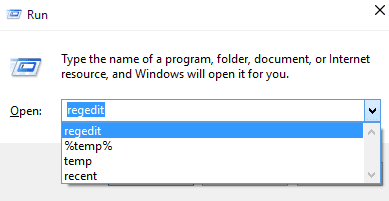
Our latest article describes the steps to erase the search record of File Explorer in Windows 10. And today we… Read More »How to Erase File Explorer Records in Windows 10
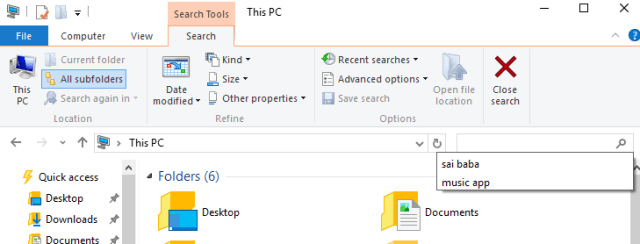
You all are aware with the qualities of File Explorer. In a single place you can swiftly access to your… Read More »How to Erase File Explorer Search Record in Windows 10
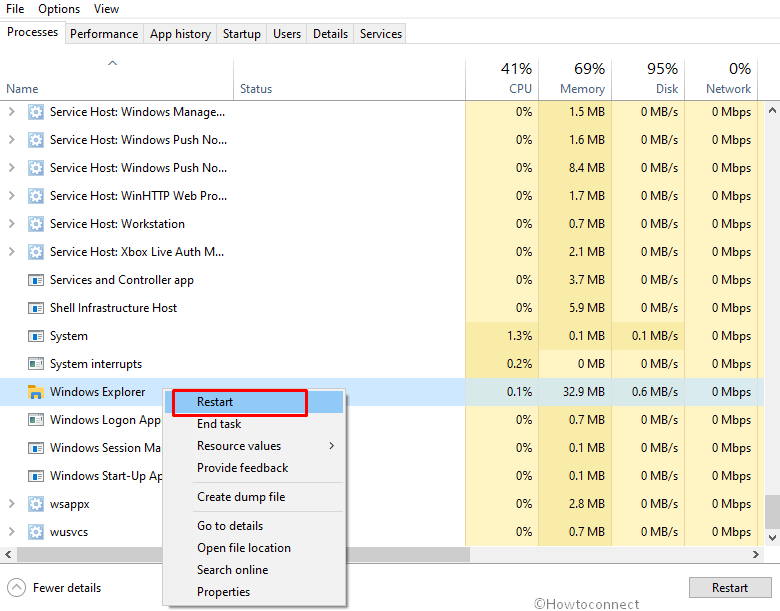
How to Restart File Explorer Using Task Manager in Windows 10 – Task manager is an important program which you… Read More »How to Restart File Explorer Using Task Manager in Windows 10
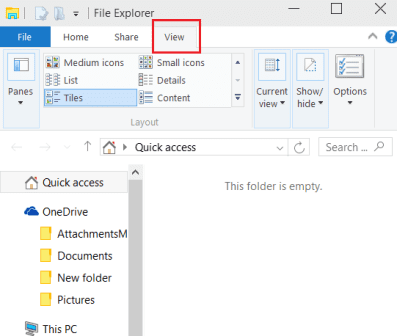
In this article you will read Quick Access related tips for Windows 10 like How to Open This PC replacing… Read More »How to Customize Quick Access in Windows 10 File Explorer

Being our regular reader, you must have read many articles on Windows 10 File Explorer. Today also our topic is… Read More »Windows 10 – Display Active Folder Name or Path in File Explorer Title Bar
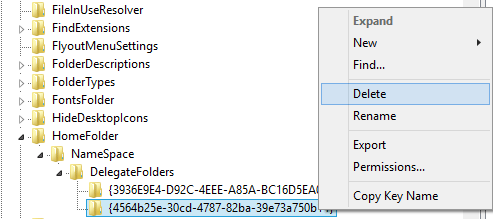
After installing Windows 10 on your PC, you observe the default locations like Favorites, Frequent Folders, and Recent Files when… Read More »Delete Recent, Frequent from File Explorer on Windows 10
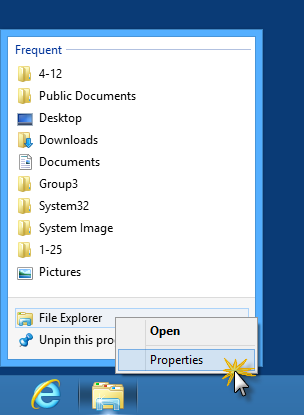
In Windows 8 and above PCs you will always see a Libraries folder pinned in desktop taskbar. It is none… Read More »How to Open File Explorer in Computer View on Windows 8
Many problems arise especially when we do not know with which file type we are dealing with. The files which… Read More »Ways to identify Unknown file types
We keep a lot of files in our computer system ranging from movies to songs to images to PDFs to… Read More »6 Best Tips to Manage files and folders effectively