
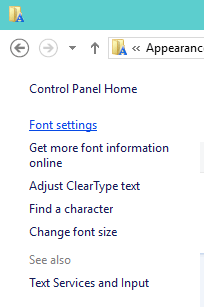
Windows 10 – How to Install, Remove, Show, Hide Fonts
In Windows 10 computer, How to Install new font, Remove existing one, Show, and Hide Fonts for a better look… Read More »Windows 10 – How to Install, Remove, Show, Hide Fonts
In Windows 10 computer, How to Install new font, Remove existing one, Show, and Hide Fonts for a better look… Read More »Windows 10 – How to Install, Remove, Show, Hide Fonts
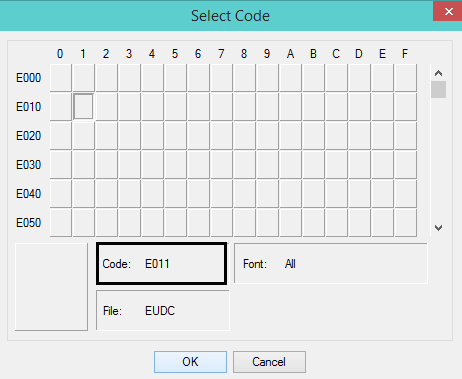
Have you ever thought of generating your own imaginative character on Windows 10?! In fact, till now I was also… Read More »Windows 10 – How to Use Private Character Editor
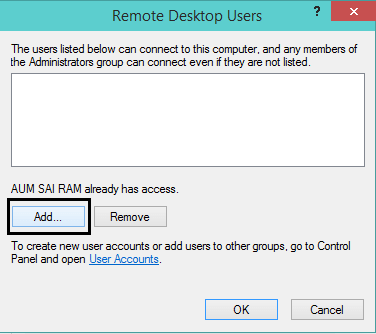
To get connected to the variant computer you first have to establish Remote Desktop Connection. Among many features of Windows… Read More »Windows 10 – How to Establish Remote Desktop Connection

If you are a regular reader of our posts, you must have learned many new ways of pinning items to… Read More »Windows 10 – How to Create Site Shortcut Pin Using Chrome

Hoping you hold a little bit idea about the Task Manager of Windows 10, we would carry out this article… Read More »Windows 10 Task Manager Menus and Processes Tab Tutorial

Our topic of today’s article is an icon. We will cover the meaning of an icon in the computer world… Read More »Windows 10 – How to Use Different Icon for Application, Folder Shortcut

We have already covered an article with full details of how to Pin to Start Menu and also how to… Read More »Windows 10 – How to Pin to, Unpin From Start Menu, Start Screen

Problem Steps Recorder is a tool you can use to record problems on your Windows 10 PC and send to… Read More »Windows 10 – How to Record Screen with Problem Steps Recorder
This is the Tutorial for functioning and setting of the Clock & Alarm app, Timer, and Stopwatch. The Alarm app… Read More »Windows 10 – How to Set Stopwatch and Timer in Alarm App
If you are among the users who have the intent to experience Windows 10 but being a local account holder,… Read More »Windows 10 – How to Switch to Local Account from Microsoft Account
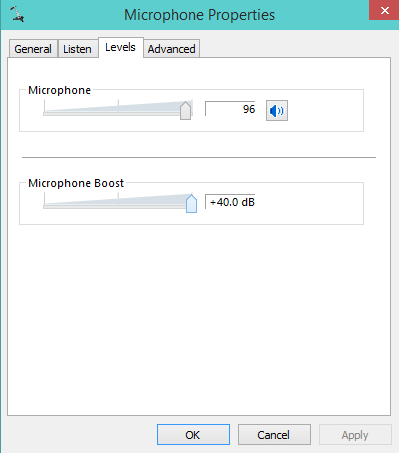
If you are a regular Skype user and have Windows 10 on your PC you must have experienced one sad… Read More »Windows 10 – How to Raise the Mic Volume

How to Configure Alarms & Clock App In Windows 10 – While executing general or special tasks in Windows 10,… Read More »Windows 10 – How to Configure Alarms & Clock App

Windows 10 possesses a more aggressive look in comparison with its lower versions. Microsoft has mainly focused on its desktop… Read More »How To bring Universal Apps in Full Screen Mode in Windows 10

Windows 10 has a small application called Math Input Panel. It was active in the previous versions of Windows too.… Read More »Windows 10 – How to Write Formula in Math Input Panel
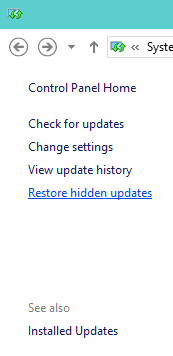
You all must be familiar with the term Windows Update. Windows Update benefits your operating system by providing the updated… Read More »Windows 10 – How to Manage Windows Update
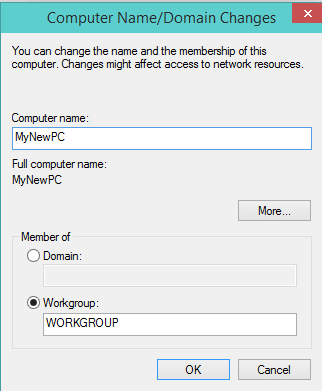
You sometimes need to Give a New Name to your Computer it when you buy a second-hand PC or want… Read More »Windows 10 – How to Give a New Name to your Computer
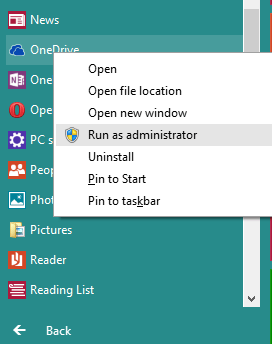
Windows 10 serves you different ways to run a program with administrative privileges. Here, in this article, we will pen… Read More »Windows 10 Tips to Run a Program Using Administrator Privilege

You can Set Up Picture Password on Windows 10 (it was there in Windows 8 also). You might be thinking… Read More »Windows 10 – How to Set Up Picture Password