

Windows 10 – How to Retain Free Disk Space After Installing
Sometimes you may notice that the disk space of your drive cuts short when you install the new Windows 10… Read More »Windows 10 – How to Retain Free Disk Space After Installing
Sometimes you may notice that the disk space of your drive cuts short when you install the new Windows 10… Read More »Windows 10 – How to Retain Free Disk Space After Installing
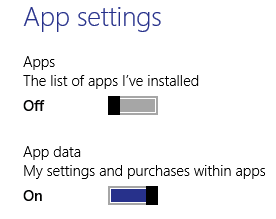
We have already covered few topics on OneDrive till now. Today we will show you how to synchronize and backup… Read More »Windows 10 – How to Customize Sync Settings with OneDrive

An online storage that is integrated with the Microsoft Account is famously known as OneDrive. You can access it from… Read More »Windows 10 – How to Start OneDrive Automatically when Login

If you are a regular user of Windows 10 I am pretty sure you carry out most of your things… Read More »Windows 10 – How to Boost Batch Files Upload Speed in OneDrive

Our just previous article on Skype was regarding its linking with your Microsoft Account. We have explained you the process… Read More »Windows 10 – How to Unlink Skype ID from Microsoft Account

How to Turn on ClearType in Windows 10 – A Few days back I realized that I was having a… Read More »Windows 10 – How to Turn on ClearType Use Tuner

OneDrive, previously termed as SkyDrive, is Microsoft’s cloud storage service which makes your life very easy in terms of technology.… Read More »Windows 10 – How to Enable / Disable OneDrive Fetch Files

When you install Windows 10 successfully on your PC you should create a System Image backup of that operating system.… Read More »Windows 10 – How to Backup System Image

Quiet Hours produces the condition where you are not disturbed by any type of notification in Windows environment. As earlier… Read More »Windows 10 – How to Turn On Quiet Hours to Disable Notifications

Previously I was using a PPPOE connection. With the advancement in technology, my students suggested using Wi-Fi connection but were… Read More »Windows 10 – How to Remove PPPOE or VPN Connection

Past many days, I was thinking to remove my Account Picture in Windows 10 and wanted to get back the… Read More »Windows 10 – How to Remove Account Picture

How to Improve Battery life While Working on Internet Explorer – If you work on Internet Explorer you might have… Read More »How to Improve Battery life While Working on Internet Explorer
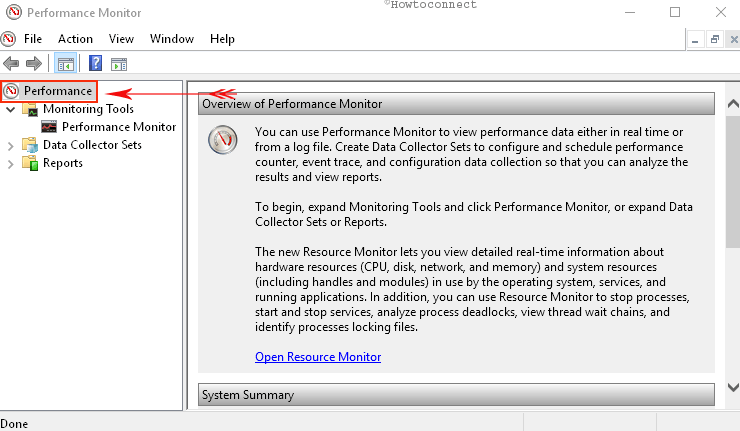
On Windows 10 like earlier windows versions, you will find a Performance Monitor named application which analyzes, assembles, monitors and… Read More »Windows 10 – How to Start and Use Performance Monitor
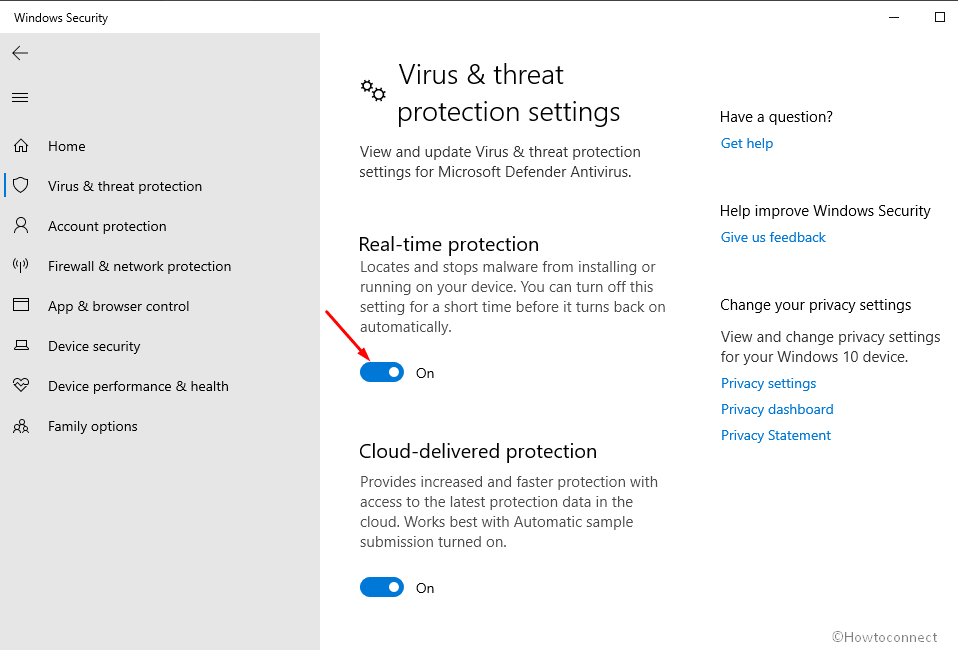
If you are using the windows operating system you might have known Windows Defender becomes automatically activated on your PC.… Read More »Windows 10 – How To Disable or Enable Windows Defender

Steps to connect XBOX 360 Console to Computer Monitor powered Windows 10. – Nowadays even the operating systems are also… Read More »Windows 10 – How to connect XBOX 360 Console to Computer Monitor

When a newbie buys a PC or a window operating system is installed on his PC he is always eager… Read More »How to Find the Version of Windows Installed on System

Like other Windows versions, you can be able to Turn Off System beep sounds after a little customization on Windows… Read More »Windows 10 – How to Turn Off System Beep Sounds

How To Get 3 Finger Gestures for Precision Touchpads on Windows 10. – You might like to keep Windows 10… Read More »Windows 10 – How To Get 3 Finger Gestures for Precision Touchpads