

How to Scan Using Printer or Scanner in Windows 10
Having a scanning device upfront, the first thing that hits on your minds is How to Scan Using Printer or… Read More »How to Scan Using Printer or Scanner in Windows 10
Having a scanning device upfront, the first thing that hits on your minds is How to Scan Using Printer or… Read More »How to Scan Using Printer or Scanner in Windows 10

No doubt Windows 10 is a great OS still few users encounter – Do you face Printer Not Activated… Read More »Fix: Printer Not Activated Error Code 30 in Windows 10

Did you ever face Printer in Error State on Windows 10 while trying to operate it? This issue… Read More »How to Fix Printer in Error State on Windows 11 or 10

Way to Schedule a Printer in Windows 10 with steps. – Printer scheduling in Windows 10 is one of the… Read More »How to Schedule a Printer on Windows 10
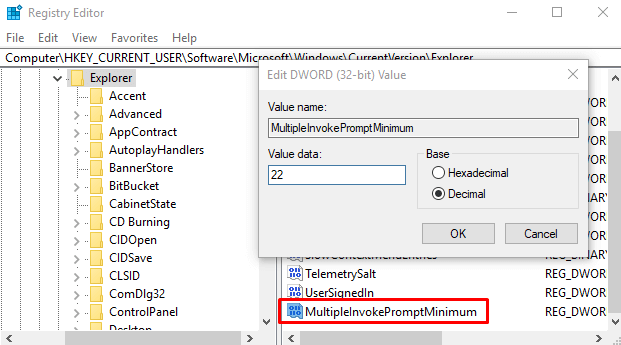
Ways to Print 15 Plus Files from a Folder At Once on Windows 10. – Windows 10 gives this facility… Read More »How to Print 15 Plus Files from a Folder At Once in Windows 10

Ways to Print Multiple HTML Pages at a time on Windows 10. – Several times you require printing multiple web… Read More »How to Print Multiple HTML Pages at a time in Windows 10

Methods to Fix error The Printer that I want isn’t listed on Windows 10 via Steps. – When you want… Read More »Fix: The Printer that I want isn’t listed in Windows 10

Procedures to Create Shortcut to Printer Queue in Windows 10. – Deleting Print Stuck in Queue is a common job… Read More »How to Create Shortcut to Printer Queue in Windows 10

Processes and Steps for How to Fix Items Stuck in Printer Queue on Windows 10. – When printers queue deleting… Read More »Fix: Items Stuck in Printer Queue on Windows 10

Printing Troubleshooter Windows 10 -Microsoft has officially delivered a troubleshooting utility in order to fix Printer associated problems. This Utility… Read More »Download Printing Troubleshooter Windows 10
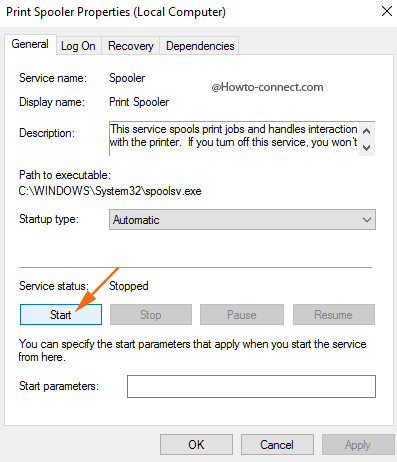
How to Disable/Enable Print Spooling Service Windows 10 – When a user remain engaged in focusing on his printing activities… Read More »How to Disable/Enable Print Spooling Service Windows 10

Right-click on the Printer Icon, Nothing Happens in Windows 10 – Once I needed to launch properties of a printer… Read More »Right-click on the Printer Icon, Nothing Happens in Windows 10
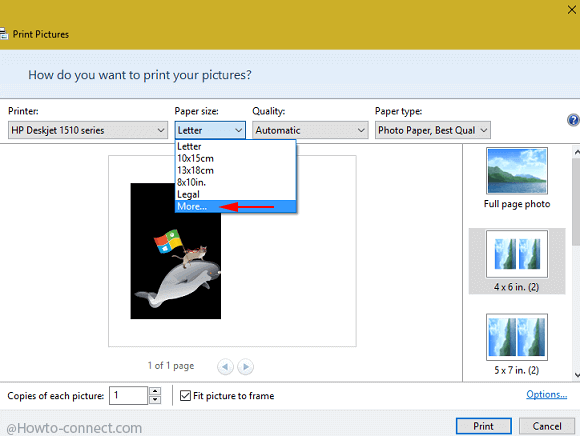
How to Print 4×6 and 5×7 Photos on A4 Paper in Windows 10 – When you start to take a… Read More »How to Print 4×6 and 5×7 Photos on A4 Paper in Windows 10

You would be aware of the fact that Docking station for the exact earlier model of Surface is not compatible… Read More »How to Print Surface Pro 3 Docking Station Adapter

When you Start Printing a File on Windows 10 you follow the easiest and fastest way so that you can… Read More »4 Ways to Start Printing a File on Windows 10

The Jump Lists furnishes you a bulk of features, amongst which, one is print. If you use to take prints… Read More »How to Print a File from Jump Lists in Windows 10
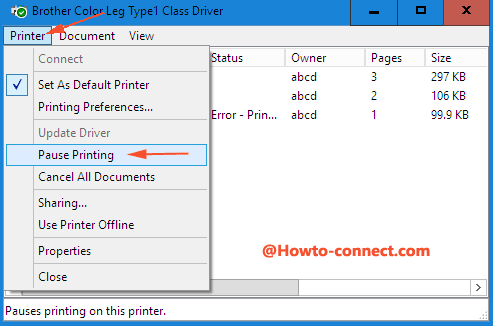
Issues concerned to HP Printer are haunting a large number of users since they have upgraded their machine to Windows… Read More »How to Fix HP Printer is Offline in Windows 10

Before you read How to Print Email in Windows 10 Mail app you will be relieved knowing that the function… Read More »How to Print Email in Windows 10 Mail App – Tips