

How to Clear Printer Queue in Windows 10
Oftentimes you might fail to print items on Windows 10 because the queue got jammed. When this happens, the system… Read More »How to Clear Printer Queue in Windows 10
Oftentimes you might fail to print items on Windows 10 because the queue got jammed. When this happens, the system… Read More »How to Clear Printer Queue in Windows 10

Sometimes when you encounter a printer issue there may be 2 reasons – the printer itself or Windows 10. Here,… Read More »Fix Printer Error 0x800f0223 Operation could not be completed Windows 10

Print job becomes very simple when running with Windows 10 but unfortunately some users report an issue. You might encounter… Read More »Fix Error 709 Printer or 0x00000709 in Windows 10

Microsoft provides relief to its users by releasing a non-security update that fixes the most nagging printer issues. KB4567523 Printer… Read More »KB4567523 Printer Update for Windows 10 2004, 2009, 1709, 1703

Windows 10 issues after upgrading or updating the OS is a common occurrence. Status error – printing is one of… Read More »Fix status error – printing in Windows 10
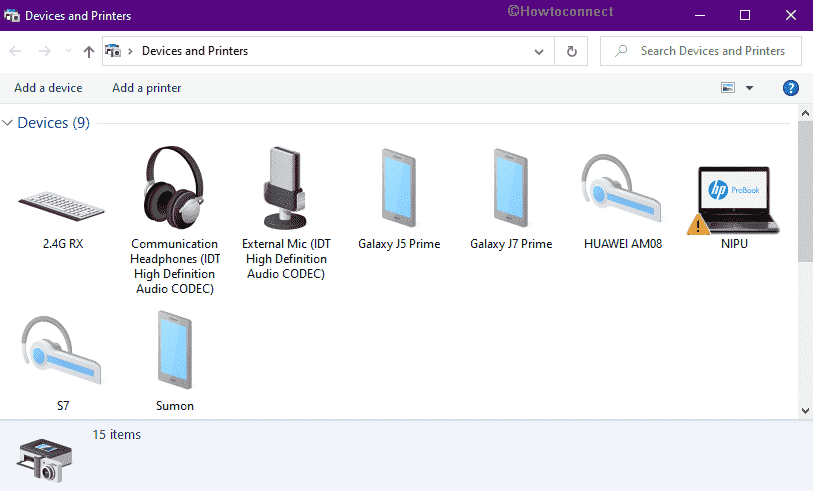
Devices and Printers is a part of classic control panel that allows you to add and manage peripherals on Windows… Read More »How to open Devices and Printers (Control Panel) in Windows 10

Sometimes updates cause issues rather than fixing bugs and problems. The same situation occurs with Lexware Printer which throws different… Read More »Fix: Lexware Printer not Activated Error Code 30 Windows 10

Several users reported that the Print Spooler keeps Stopping Windows 10 which commences troublesome while endeavoring to print documents. Being… Read More »Fix: Print Spooler keeps Stopping in Windows 10 (Solved)

Are you also experiencing Error 0x000003e3 Printer in Windows 10? This problem does not let users connect to a network… Read More »Fix: Error 0x000003e3 Printer in Windows 10

Microsoft has updated the Resolved issues page on patch Tuesday after throwing updates for different Windows versions. Intermittent Issues When… Read More »Intermittent Issues When Printing in Windows 10 Gets Resolved Status

Several users who installed KB4517389 are yammering to get critical error in Start menu. Some also complain about Print Spooler… Read More »Windows 10 1903 KB4517389 Leads to Start Menu Critical error, Printer Issues

Local Print Spooler Service is Not Running is one of the most annoying problems that users confront after installing KB4524147.… Read More »Fix: Local Print Spooler Service is Not Running after KB4524147 Windows 10
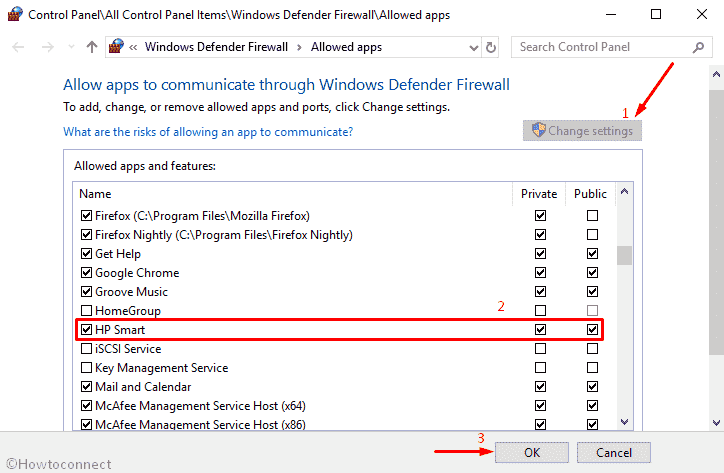
In Windows 10, sometimes you might encounter Firewall blocking printer issue. The problem commonly occurs because of harder security settings… Read More »How to Allow Printer Through Firewall in Windows 10

You may Reinstall Printer Driver on your Windows 11 or 10 if there’s trouble with printing a document on your… Read More »How to Reinstall Printer Driver in Windows 11 or 10

This is all in all a short guideline explaining the steps to Connect HP Envy 4520 Printer to Windows 11… Read More »How to Connect HP Envy 4520 Printer to Windows 11 or 10 PC

Are you coming across Printer Error 0x000005b3 in Windows 10? This was prevalent in Windows 7 attributed to a printing… Read More »Fix: Printer Error 0x000005b3 Operation failed in Windows 10

This context will show How to Reset the Print Spooler in Windows 10 and 11. You might have got different… Read More »How to Reset the Print Spooler in Windows 11 or 10
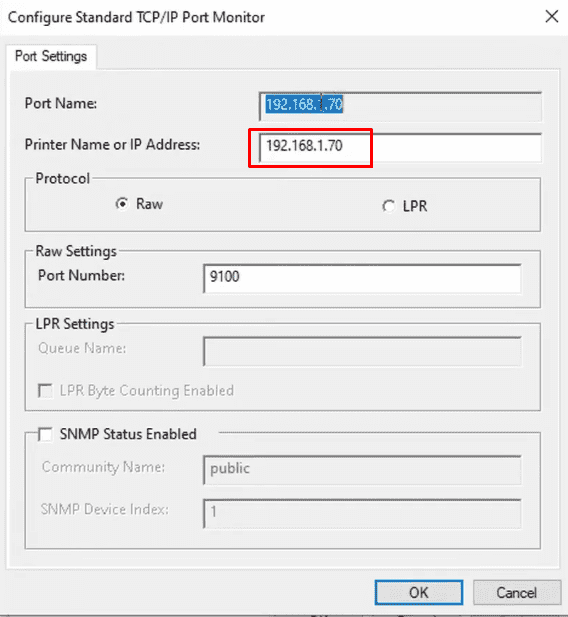
You might need to know Printer’s IP and MAC Address on Windows 10 at your home or workplace. The most… Read More »How to Find Printer’s IP and MAC Address in Windows 10 or 11