
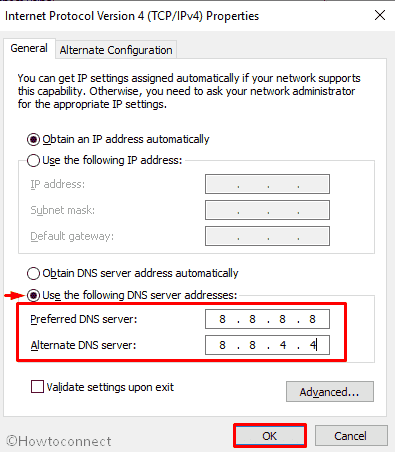
How to Use Google DNS Servers in Windows 11 or 10
Following the Ways to Use Google DNS Servers in Windows 11 and 10 might help you catch notably greater browsing… Read More »How to Use Google DNS Servers in Windows 11 or 10
Following the Ways to Use Google DNS Servers in Windows 11 and 10 might help you catch notably greater browsing… Read More »How to Use Google DNS Servers in Windows 11 or 10
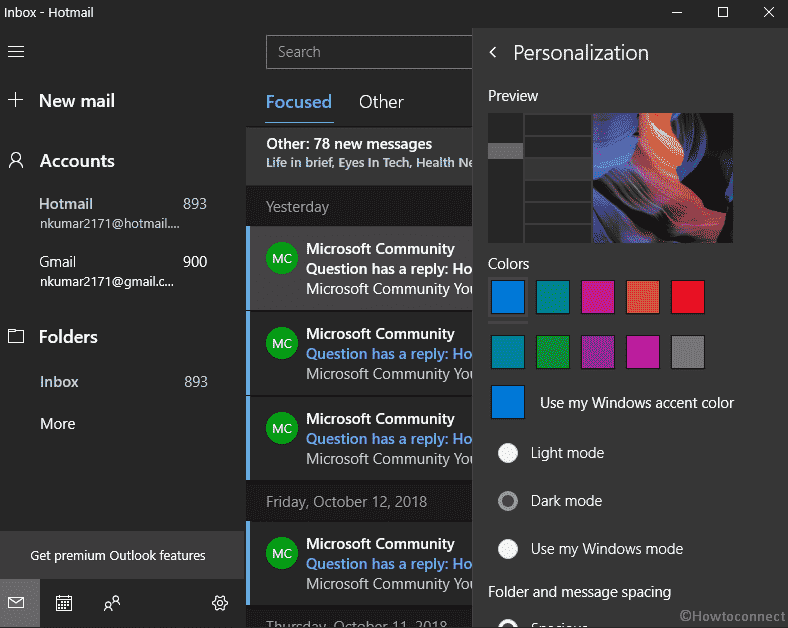
Windows 10 and 11 allow to enable complete Dark Mode in Mail App. Previously, this feature was also available in… Read More »How to Enable Dark Mode in Mail App Windows 11 or 10
You will see the ways to Use Xbox Avatar Editor in Windows 11/10 to create an impressive avatar. The application… Read More »How to Use Xbox Avatar Editor in Windows 11/10 to Create an Impressive Avatar
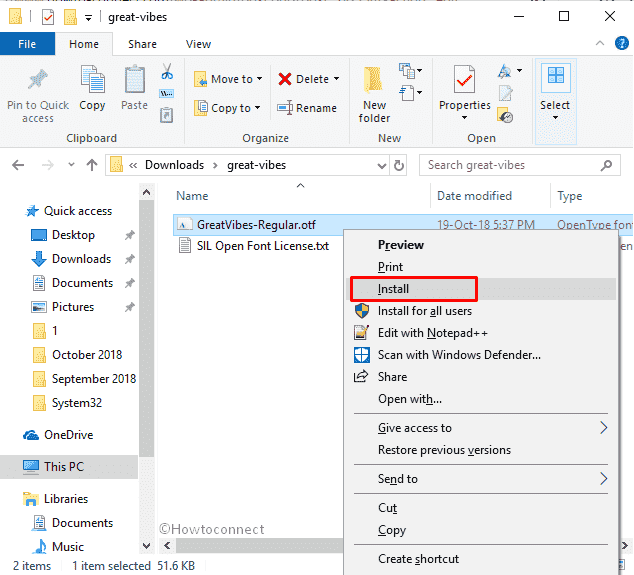
Today, in this article, we will discuss How to Install OTF Font on Windows 10 and 11. Usually, you need… Read More »How to Install OTF Font on Windows 11 or 10
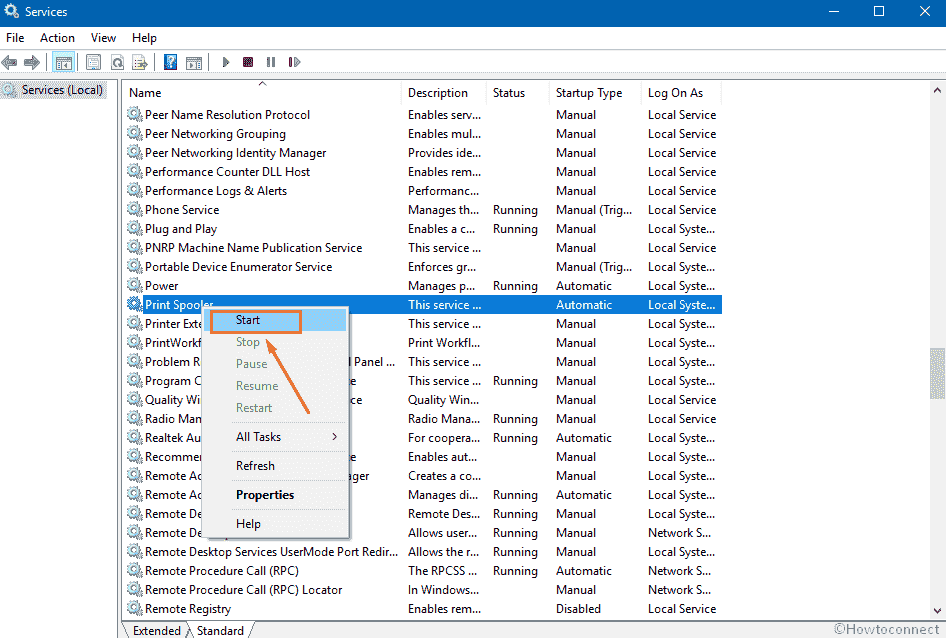
This context will show How to Reset the Print Spooler in Windows 10 and 11. You might have got different… Read More »How to Reset the Print Spooler in Windows 11 or 10
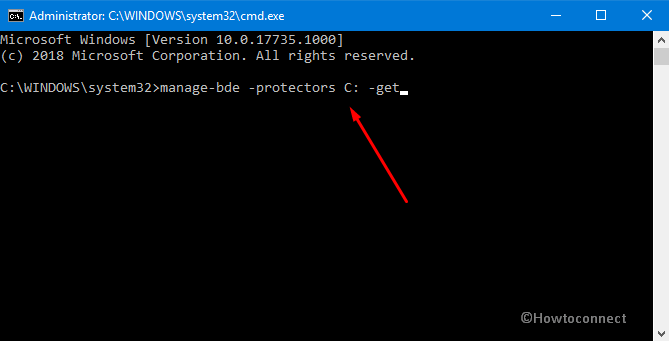
Do you ever wonder to Get BitLocker Recovery Key from CMD after losing it? This is a process using which… Read More »How to Get BitLocker Recovery Key from CMD in Windows 11 or 10
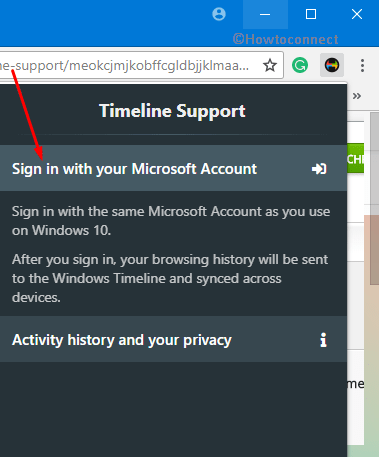
Starting with Windows 10 version 1803, (April 2018 update) Microsoft integrated Timeline into Task View. The feature enables you to… Read More »How to Enable Windows 11 or 10 Timeline Feature in Firefox and Chrome
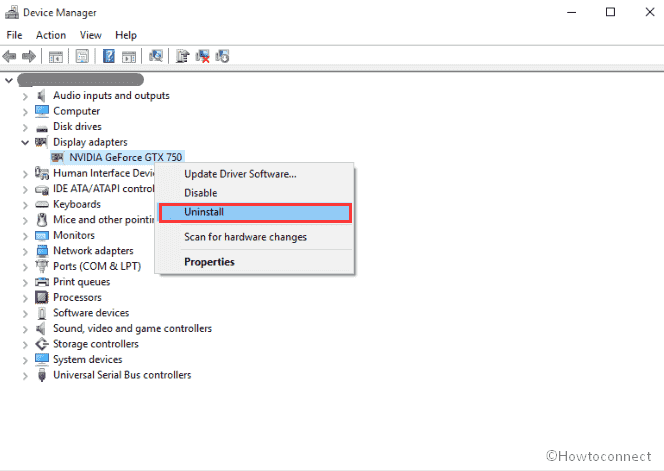
Often it’s necessary to Reinstall NVIDIA Drivers in Windows 10 and 11 to avail best user experience as backdated ones… Read More »How to Reinstall NVIDIA Drivers in Windows 11 or 10
You may view an unnecessary watermark just above the right end of the taskbar that hints to activate your Windows… Read More »How to Remove Activate Windows 11 or 10 watermark Using Registry Editor
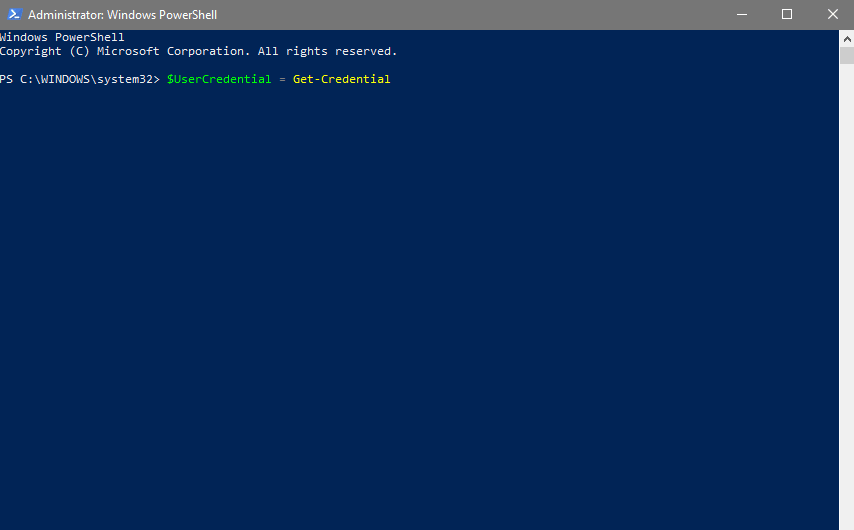
If you are outlook user and looking to increase mailbox size in Microsoft Office 365, here we come with easy tips… Read More »How to Increase Mailbox Size in Microsoft Office 365 on Windows 11 or 10
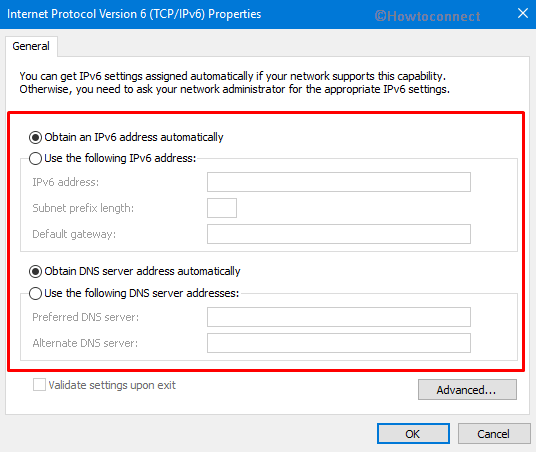
Today, in this article, we will see the procedure on How to Configure IPV6 / Internet Protocol Version 6 on… Read More »How to Configure IPV6 / Internet Protocol Version 6 in Windows 11 or 10

This article will show what exactly QoS Packet Scheduler on Windows 11 or 10 is & how to configure it? … Read More »What is QoS Packet Scheduler in Windows 11 or 10 and How to Configure it
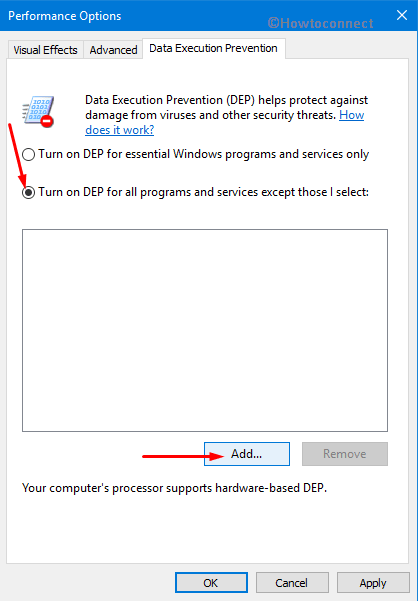
By managing Data Execution Prevention (DEP) in Windows 10 and 11, you can provide an additional layer of protection to… Read More »How to Disable/Enable Data Execution Prevention (DEP) in Windows 11 or 10
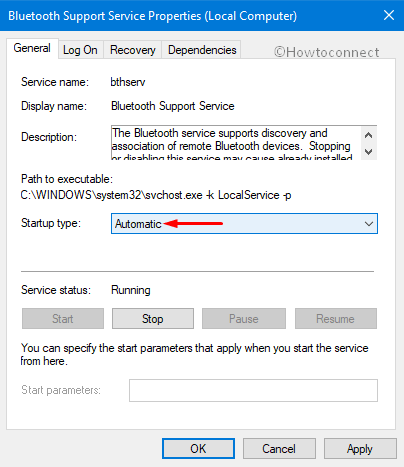
Are you feeling the need to set up Bluetooth and its driver in Windows 10 and 11 PC manually? It… Read More »How to Reinstall Bluetooth Driver in Windows 11 or 10
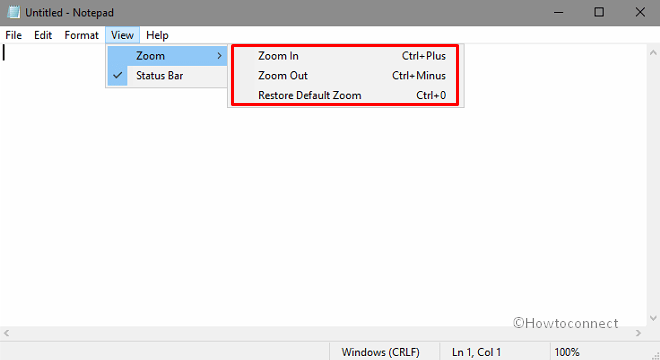
Notepad is the oldest text editor of Windows which was included in all the versions since 1985. As it has… Read More »How to Zoom in and Out Text in Notepad on Windows 11 or 10

With Windows 10 April 2018 Update, Microsoft introduced a new blurry effect named Acrylic that adds physical texture and depth… Read More »How to Disable or Enable Acrylic Taskbar Transparency on Windows 11 or 10

The system facing audio problems sometimes needs to roll back Realtek driver. But here comes a glitch as automatic update nature… Read More »Disable Automatic Realtek High Definition Audio driver Update in Windows 11 or 10

In this article, we will show you the way to Share VPN Internet Connection Over WiFi in Windows 10 or… Read More »How to Share VPN Internet Connection Over WiFi in Windows 11 or 10