

How to Enable or Disable App Readiness Service in Windows 11 or 10
App Readiness Service allows to get apps ready for use the first time a user signs in to this PC… Read More »How to Enable or Disable App Readiness Service in Windows 11 or 10
App Readiness Service allows to get apps ready for use the first time a user signs in to this PC… Read More »How to Enable or Disable App Readiness Service in Windows 11 or 10
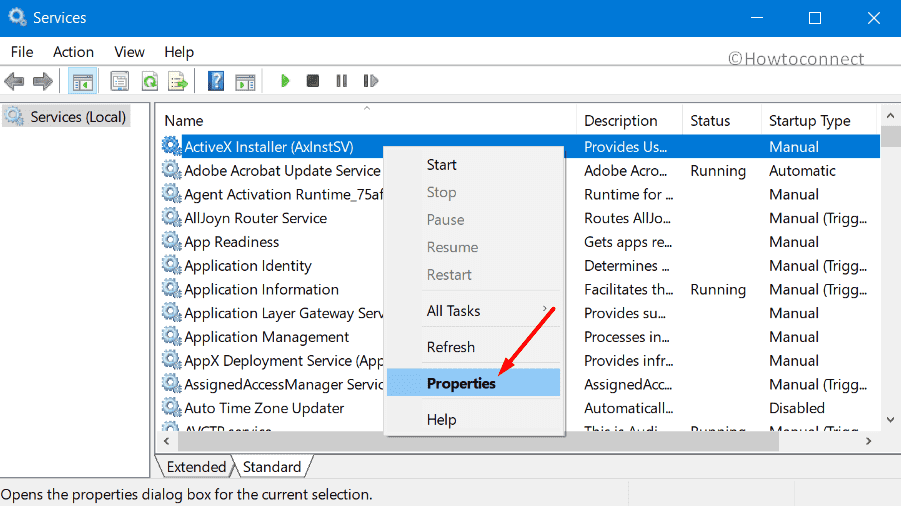
ActiveX Installer Service is one of the important services of Windows 10 and 11. AxInstSV provides UAC validation to Install… Read More »How to Disable / Enable ActiveX Installer Service Windows 11 or 10 [AxInstSV]

OneNote lets you translate selected text and page to different languages in Windows 11 and 10. Microsoft adds real time… Read More »How to Translate Texts in OneNote Windows 11 or 10
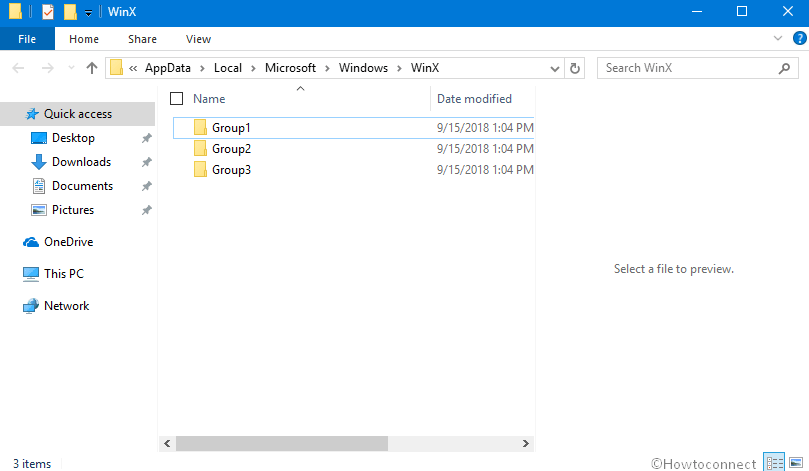
Win+X is such a shortcut key once pressed together invokes commonly used system tools and basic features like PowerShell, Task… Read More »How to Remove or Add Shortcuts to Win+X Power User Menu in Windows 11 or 10
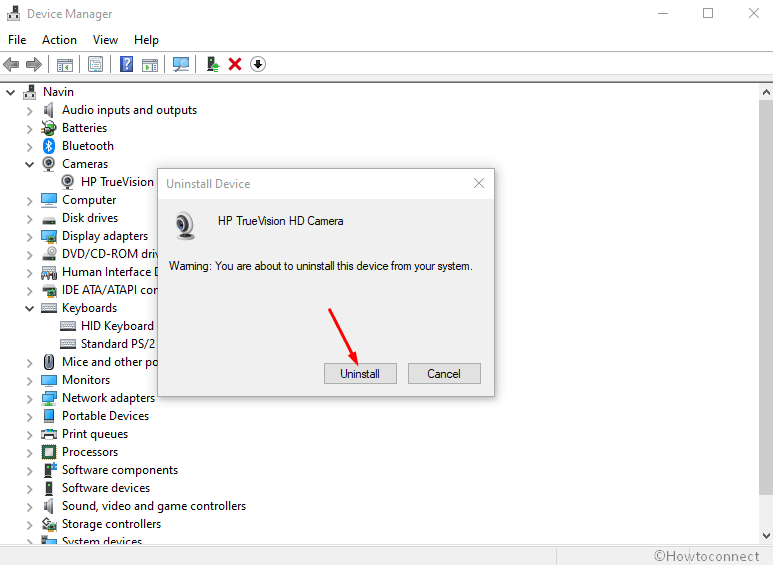
In this article, we’ll walk you through the steps to reinstall Webcam driver on Windows 10 and 11. When you… Read More »How to Reinstall Webcam Driver in Windows 11 or 10

Are you wondered to Run SFC /SCANNOW from desktop in Windows 11 or 10 directly? This built-in command line utility… Read More »How to Run SFC /SCANNOW from Desktop in Windows 11 or 10
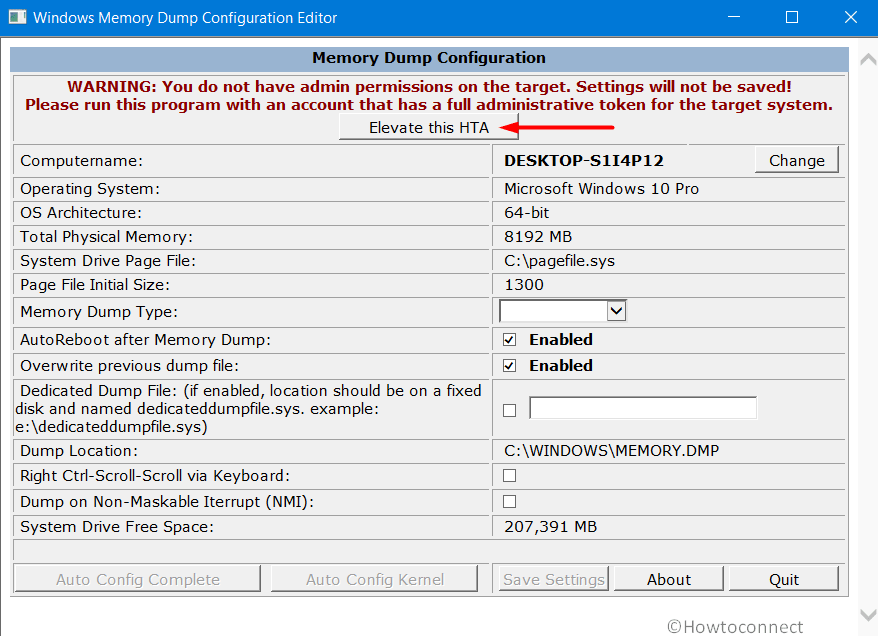
When you encounter a nightmare as Blue screen issue and try to get rid of it, you need to provide… Read More »How to Configure System to Collect Memory Dump Files in Windows 11 or 10
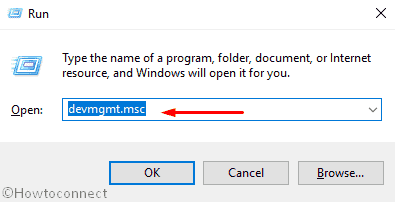
You may Reinstall Printer Driver on your Windows 11 or 10 if there’s trouble with printing a document on your… Read More »How to Reinstall Printer Driver in Windows 11 or 10

You are able to make a Picture Black and White in Photos App Windows 10 or 11. Using this application,… Read More »How to Make a Picture Black and White in Photos App Windows 11 or 10

A very small change in registry lets Decrease or Increase Menu Height in Windows 11 or 10. Sometimes you need… Read More »How to Decrease or Increase Menu Height in Windows 11 or 10

Sometimes modifications in the Task Manager menus and options result in distortion in the tool. The default configuration of this… Read More »How to Reset Task Manager to Default State in Windows 11 or 10
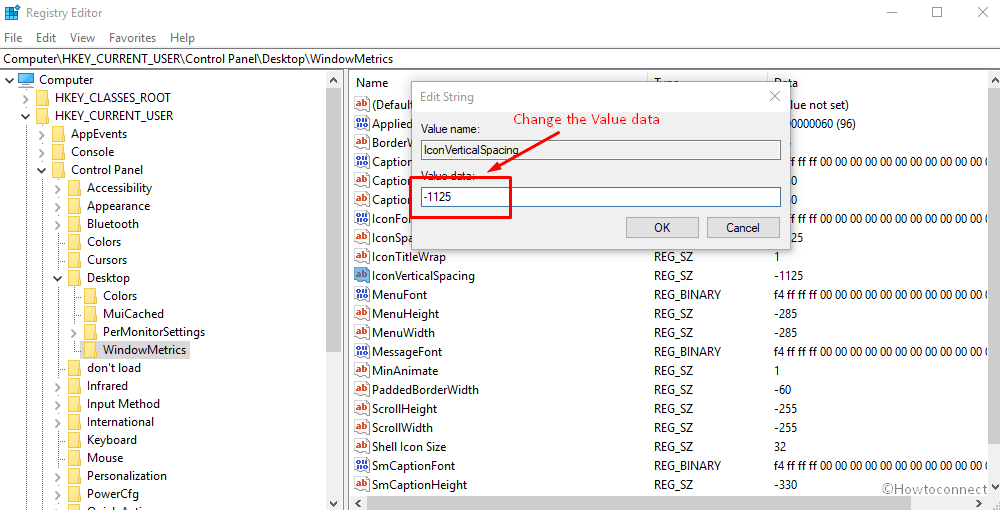
You are able to reset desktop icon spacing in Windows 10 or 11 via inputting a little tweak in Registry… Read More »How to Reset Desktop Icon Spacing in Windows 11 or 10
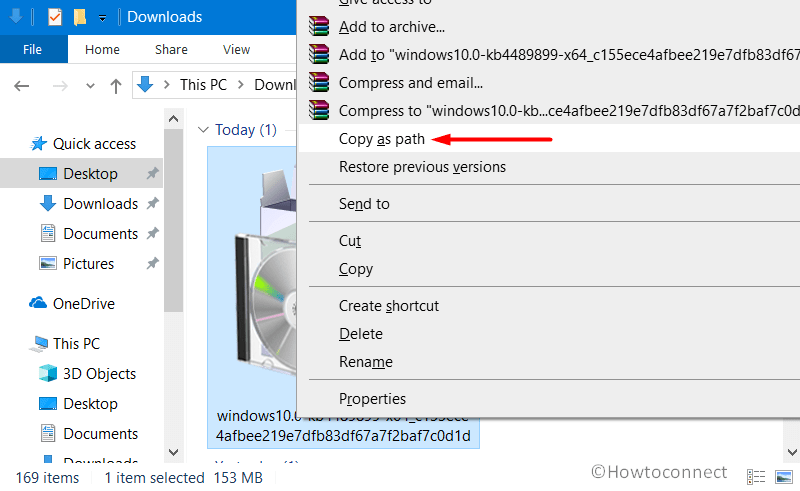
Sometimes, Windows Updates fail to work even after multiple attempts. In such scenarios, you can either choose to repair Windows… Read More »How to Install Cab Update via DISM in Windows 11 or 10

Windows Mobility Center is one of those tools in Windows 11 or 10 that lets you manage multiple things on… Read More »How to Create Mobility Center Shortcut and Pin to Taskbar in Windows 11 or 10
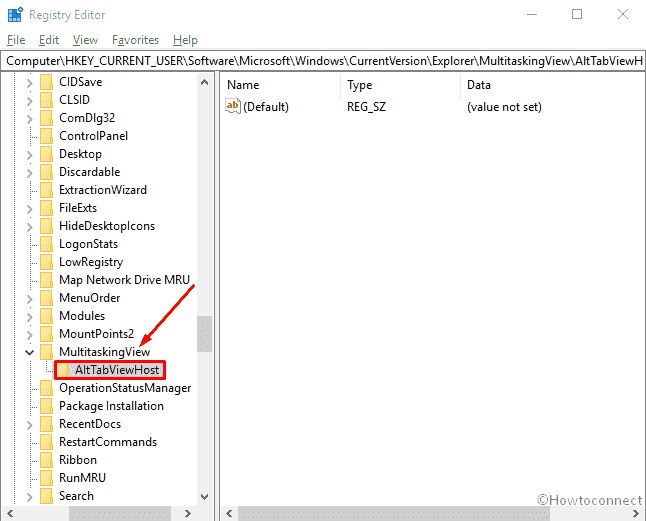
One of the handiest Windows 11 or 10’s features is that Task Switcher lets you navigate to different applications running… Read More »How to Change ALT + TAB Background in Windows 11 or 10

A handy small tweak lets you Increase the Icon Cache Size in Windows 11 or 10. Icon cache is a… Read More »How to Increase the Icon Cache Size in Windows 11 or 10

For a computer, Startup and shutting down is very basic and users always look for the easiest way to do… Read More »How to Enable slide-to-shutdown Hidden feature on Windows 11 or 10
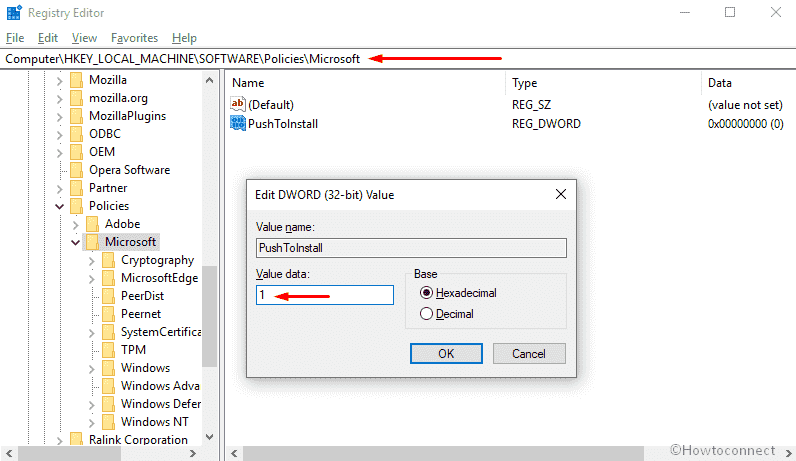
Enabling or Disabling Push to Install service on Windows 11 or 10 ensures whether you will be able to install… Read More »How to Enable / Disable Push to Install Service in Windows 11 or 10