
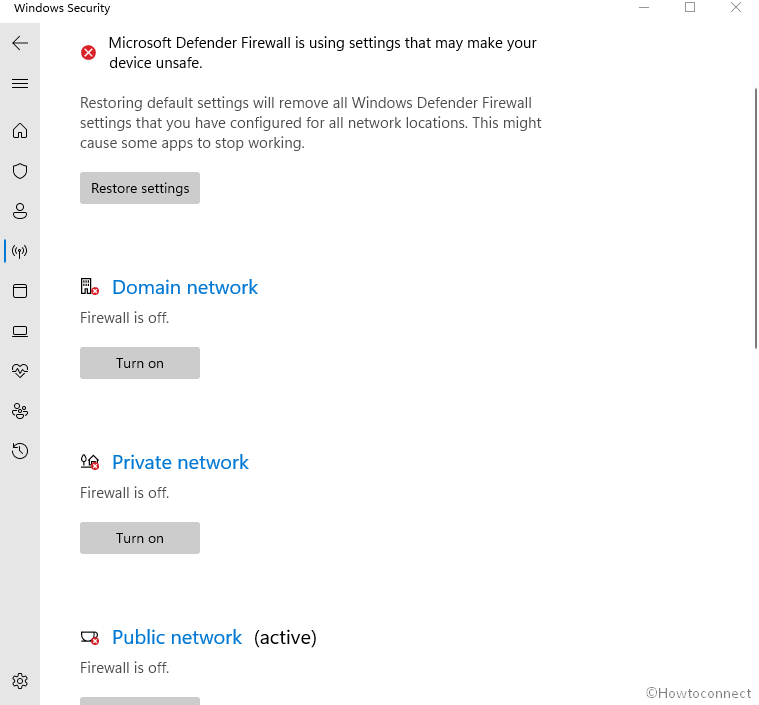
How to disable Firewall in Windows 11 (Best 5 ways)
Windows Defender Firewall is a built-in protection tool in Windows 11 that would block unsafe apps trying to connect internally… Read More »How to disable Firewall in Windows 11 (Best 5 ways)
Windows Defender Firewall is a built-in protection tool in Windows 11 that would block unsafe apps trying to connect internally… Read More »How to disable Firewall in Windows 11 (Best 5 ways)

Bluetooth has become increasingly essential in recent years not because it offers accessibility and portability but because it eliminates the… Read More »How to turn on or enable Bluetooth On Windows 11

When you want to open shell folders quickly Windows Shell Commands provides you the way. These commands work through the… Read More »Complete List of All Shell Commands in Windows 11

You might be a lover of cloud storage such as Dropbox, Google Drive, Box, or others and want to quit… Read More »How to disable OneDrive in Windows 11 (5 Best ways)
Command Prompt is an immensely useful feature for professional computer users. The reason it is popular among IT experts and… Read More »13 Ways to open Command Prompt as administrator in Windows 11
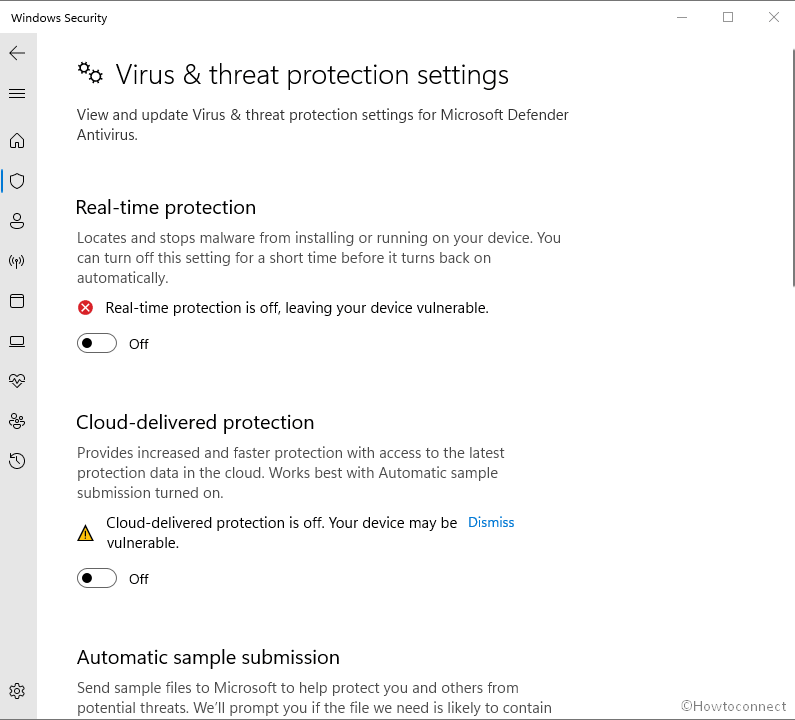
Windows Defender is a great built-in security tool available since Windows XP but in the current version, you find many… Read More »How to disable Windows Defender Permanently in Windows 11
Windows 11 allows to remotely access another computer over the internet so that you can connect and control this PC… Read More »How to enable Remote Desktop on Windows 11 (2 ways)
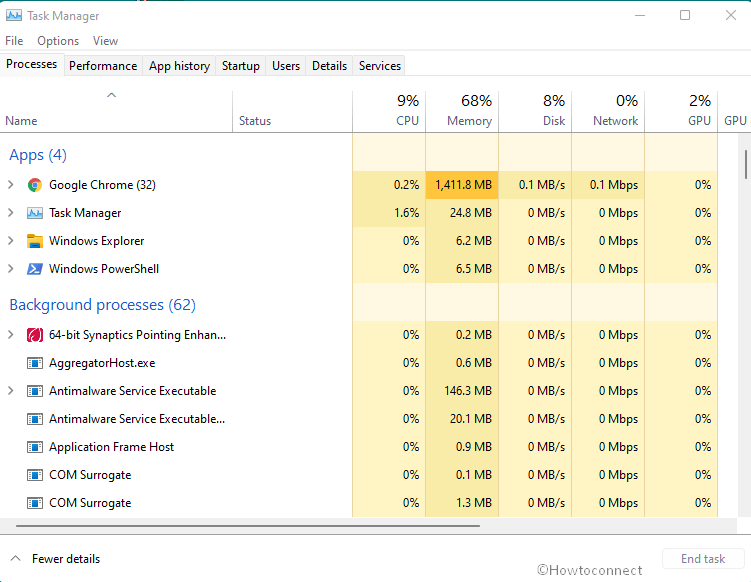
Task manager is a robust built-in utility to monitor that has information of system resources, their usage, performance, processes, and… Read More »How to open Task Manager in Windows 11 (15 Best ways)

One of the specialties of Windows 11 is you can use it on Touch screen devices. Users particularly those who… Read More »How to disable touch screen on Windows 11 (4 ways)

Registries are the core component of Windows as they hold all the settings related to hardware, software, third-party services, and… Read More »How to create a new key in Registry Editor Windows 11

Most people are wary to have enhanced performance out of Windows 11. However, you can get remarkable improvement in PC… Read More »How to Speed Up Windows 11 (16 Easy and Best ways)
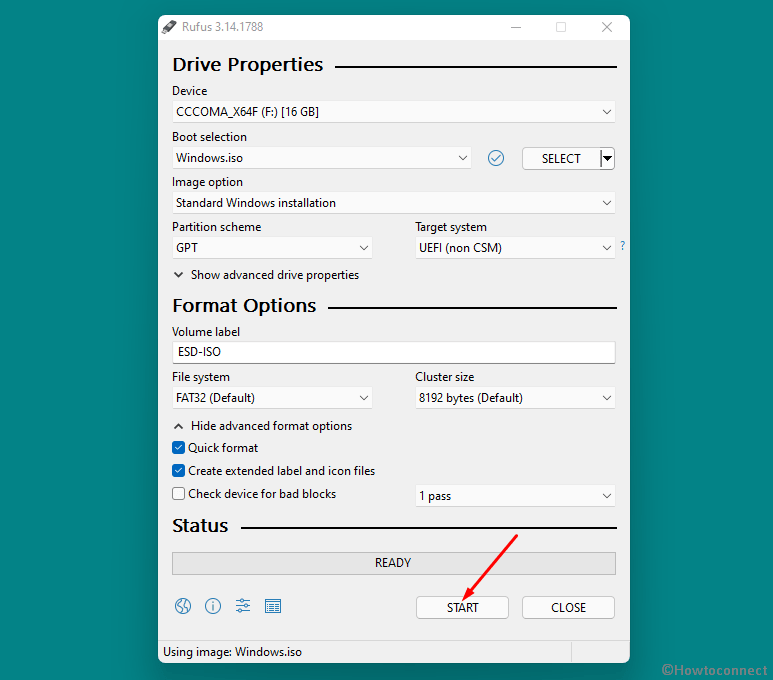
When coming to install Windows 11 the most trouble-free and handy method is through bootable USB and other external drives.… Read More »How to create Windows 11 bootable USB (Simple methods)

Recycle bin is a trash application working as a storehouse to accumulate deleted items on Windows 11. After removing files,… Read More »How to open Recycle bin in Windows 11 (Easiest ways)
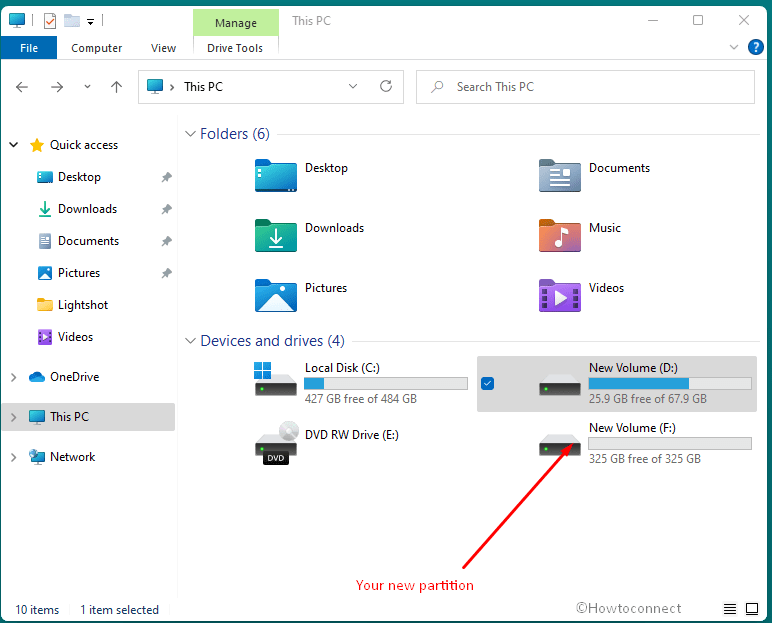
Partition is a separate local disk drive on Windows 11 PC allowing you to store data. This is the volume… Read More »How to Create Partition in Windows 11 (2 Simple ways)
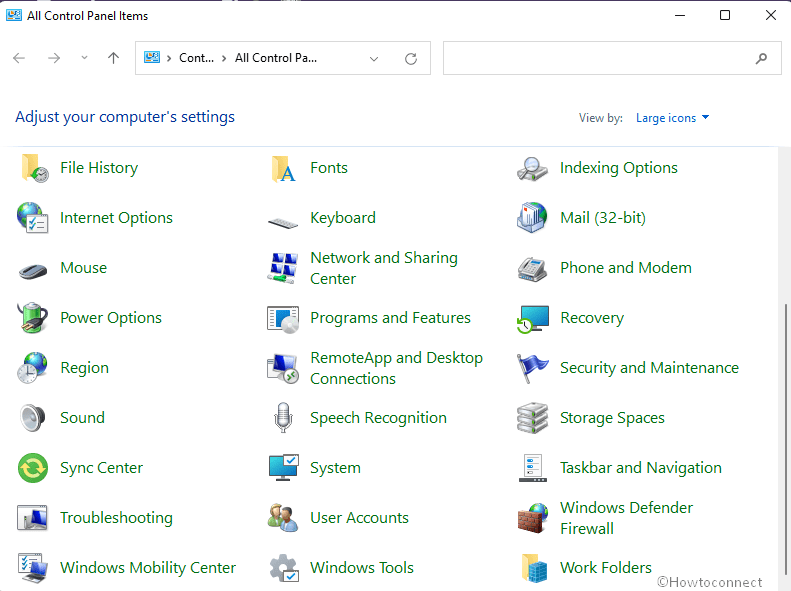
Control panel is still an integral part of Windows 11 and home the core settings. However, this applet is missing… Read More »How to open Control Panel in Windows 11 (13 Best Ways)

Hibernate is a special state that puts your Windows machine into energy-saving mode moreover keeps all of your work intact… Read More »How to Enable Hibernate in Windows 11 (3 Easy ways)
When you go through any serious problem on Windows 11 that cannot be repaired you need to reinstall the operating… Read More »How to Reinstall Windows 11 without losing data

Windows quality and security updates are great when it comes to keeping the system secure. They even fix up loopholes… Read More »How to disable Windows 11 update permanently (7 Ways)