

How to open Notepad on Windows 11 PC (Best ways)
Notepad has been one of the most basic, lightweight, and simple apps for editing codes to prepare documents and is… Read More »How to open Notepad on Windows 11 PC (Best ways)
Notepad has been one of the most basic, lightweight, and simple apps for editing codes to prepare documents and is… Read More »How to open Notepad on Windows 11 PC (Best ways)
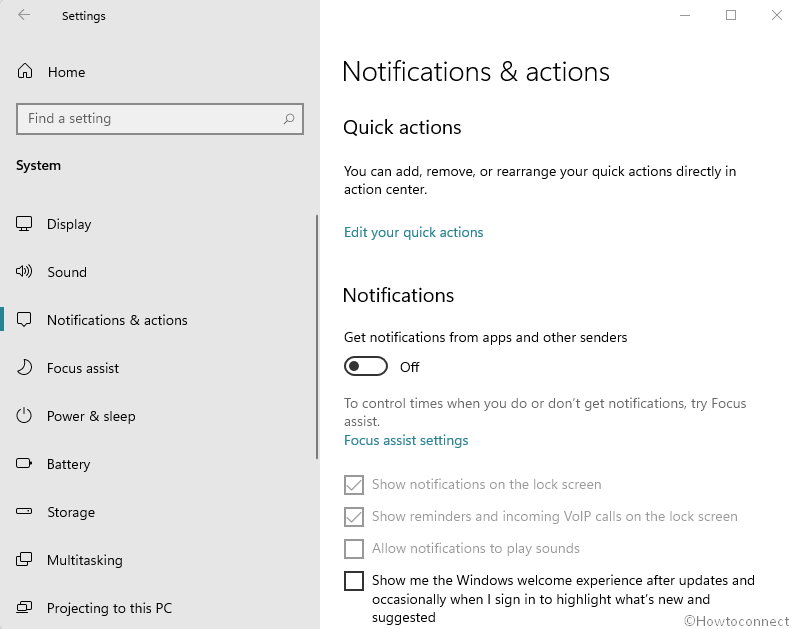
When you are on a serious task on your computer notifications often cause distraction but Windows 11 has made a… Read More »How to turn off Notifications on Windows 11 – 12 Ways
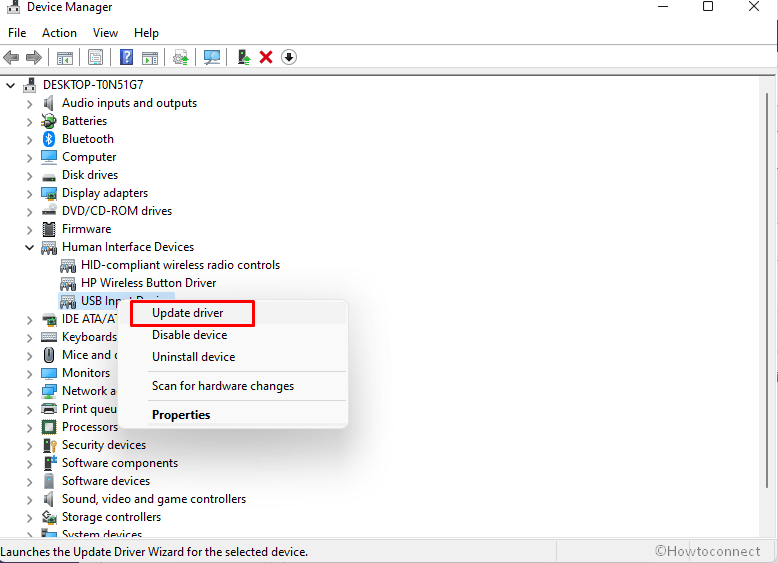
Driver updates for Windows 11, including several devices such as camera, Bluetooth, printer, sound, graphics cards, are automatically downloaded and… Read More »How to update drivers in Windows 11 (Best ways)
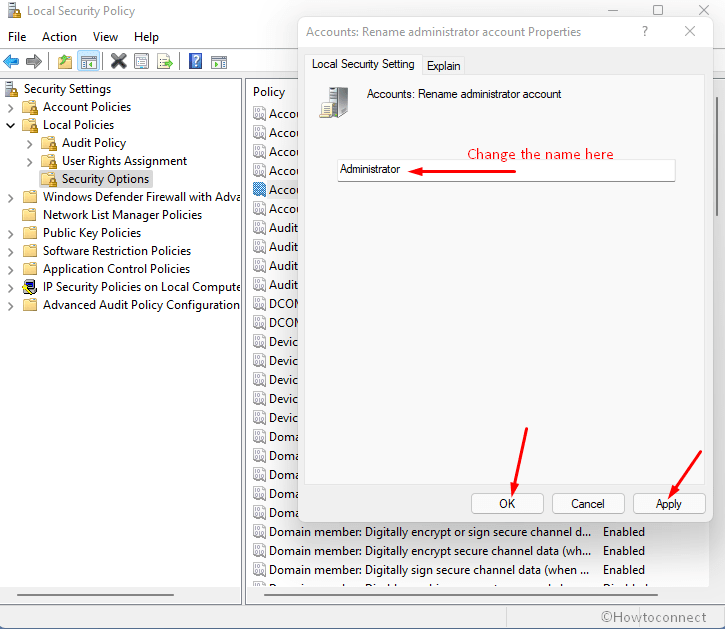
Making different profiles for users in Windows 11 can allows to organize files and folders better and keep a user… Read More »How to change User name in Windows 11 (6 Easiest ways)

When you find Windows 11 internet connection issues the most important task you need to perform is network reset. During… Read More »How to Network Reset Settings and Adapter in Windows 11
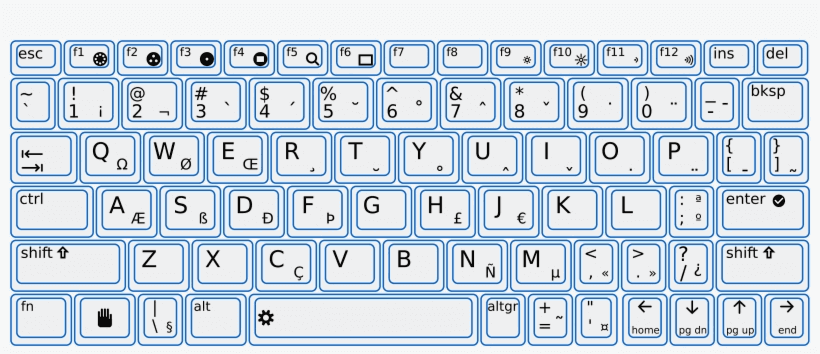
Keyboard shortcuts make our lives much easier when working on a Windows 11 computer. These hotkeys fasten your workflow and… Read More »Complete list of Windows 11 Keyboard shortcuts with Downloadable PDF

Do you experience Windows Photo Viewer missing in Windows 11? You know this app was among the most loved ones… Read More »How to restore Windows Photo Viewer in Windows 11
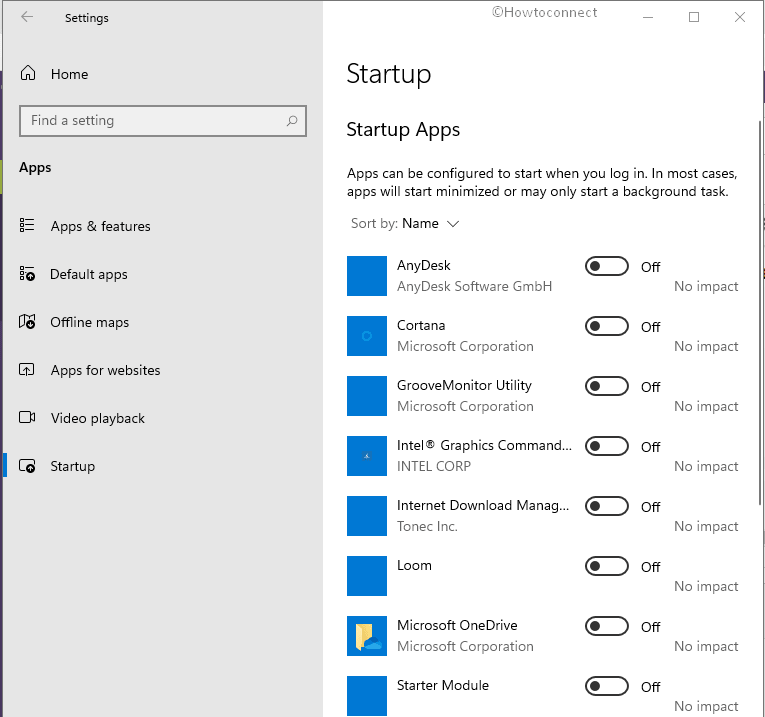
Startup programs are the apps that automatically start running when Windows 11 loads up after you power on your computer. … Read More »How to disable startup programs in Windows 11 (6 ways)
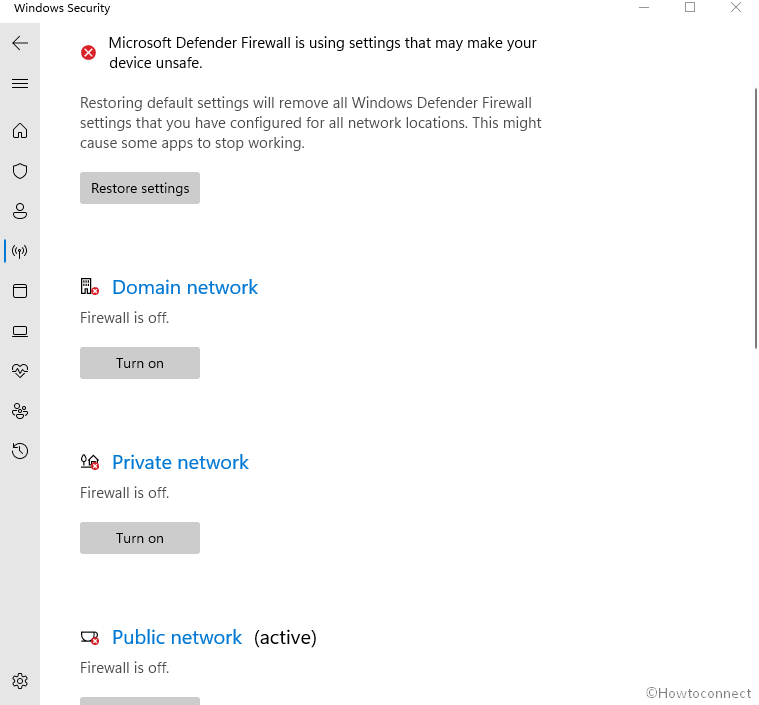
Windows Defender Firewall is a built-in protection tool in Windows 11 that would block unsafe apps trying to connect internally… Read More »How to disable Firewall in Windows 11 (Best 5 ways)

Bluetooth has become increasingly essential in recent years not because it offers accessibility and portability but because it eliminates the… Read More »How to turn on or enable Bluetooth On Windows 11

When you want to open shell folders quickly Windows Shell Commands provides you the way. These commands work through the… Read More »Complete List of All Shell Commands in Windows 11

You might be a lover of cloud storage such as Dropbox, Google Drive, Box, or others and want to quit… Read More »How to disable OneDrive in Windows 11 (5 Best ways)
Command Prompt is an immensely useful feature for professional computer users. The reason it is popular among IT experts and… Read More »13 Ways to open Command Prompt as administrator in Windows 11
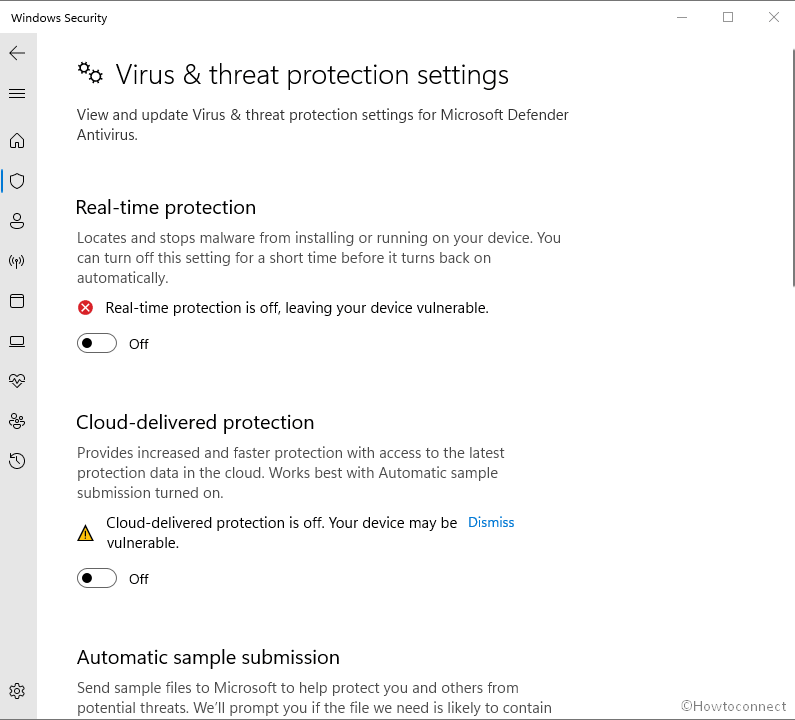
Windows Defender is a great built-in security tool available since Windows XP but in the current version, you find many… Read More »How to disable Windows Defender Permanently in Windows 11
Windows 11 allows to remotely access another computer over the internet so that you can connect and control this PC… Read More »How to enable Remote Desktop on Windows 11 (2 ways)
Task manager is a robust built-in utility to monitor that has information of system resources, their usage, performance, processes, and… Read More »How to open Task Manager in Windows 11 (15 Best ways)

One of the specialties of Windows 11 is you can use it on Touch screen devices. Users particularly those who… Read More »How to disable touch screen on Windows 11 (4 ways)

Registries are the core component of Windows as they hold all the settings related to hardware, software, third-party services, and… Read More »How to create a new key in Registry Editor Windows 11