
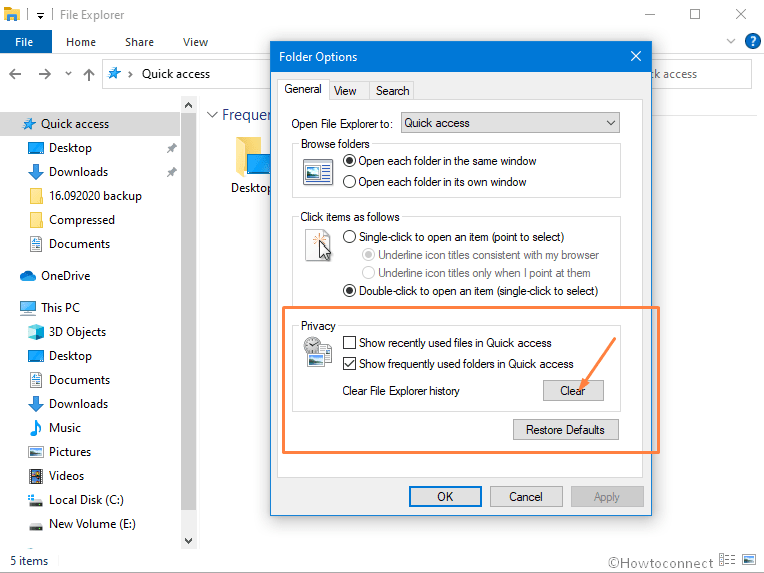
How to Delete Recent files in Windows 11 or 10
You might want to keep your privacy protected and computer clean both at the same time when using Windows 10.… Read More »How to Delete Recent files in Windows 11 or 10
You might want to keep your privacy protected and computer clean both at the same time when using Windows 10.… Read More »How to Delete Recent files in Windows 11 or 10

Microsoft Update Catalog is a website that keeps collection of security patches, LCU, SSU, driver updates, and more. You might… Read More »How to Download and Install Update from Microsoft update catalog on Windows 11/10

Modern days laptop and PC comes with a built-in face or fingerprint scanner. Windows Biometric Service or WbioSrvc is used… Read More »How to Enable / disable Windows Biometric Service in Windows 11 or 10
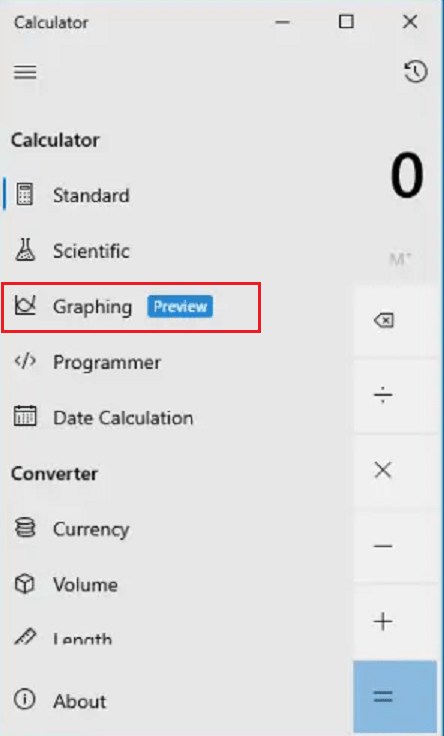
Calculator is one of the most useful tools on Windows 11 and 10 for any age user. Graphing mode in… Read More »How to Enable or Disable Calculator Graphing Mode on Windows 11 or 10

Microsoft runs a program to test the features before adding them to Windows 11/10 original version. The company develops the… Read More »How to Disable Windows Insider Service in Windows 11 or 10

Windows 11 or 10 Task Manager allows to manage processes. performance, startup programs, and Services. The tool lists all the… Read More »How to remove dead Startup Programs in Windows 11 or 10
System Restore is the tool helping you to load back an earlier Windows state in order to bypass an unavoidable… Read More »How to Delete System Restore and Shadow copies in Windows 11 or 10

Microsoft Photos is one of the most popular built-in apps on Windows 11 and 10 but sometimes you might need… Read More »How to uninstall and reinstall Photos app in Windows 11 or 10

Windows 11 and 10 always keep Last Access Time up-to-date for every single file and folder to save the time… Read More »How to NtfsDisableLastAccessUpdate in Windows 11 or 10

Windows Sandbox is a relatively new feature that’s been added to Windows. As some of you already know, it is… Read More »How to Enable Virtualized GPU Sharing in Sandbox Windows 11 or 10

The ability to enable video input in Sandbox in Windows 11 and 10 is one of the new features brought… Read More »How to enable Video Input in Sandbox Windows 11 or 10
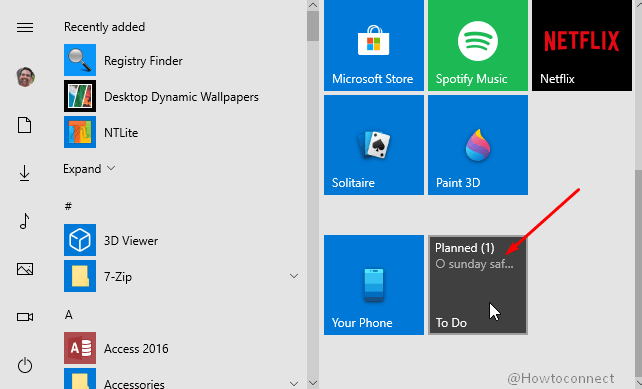
For those who need a quick day planner and clearly set goals to get through the day smoothly, Microsoft To-Do… Read More »How to Pin a Specific Microsoft To-do list to Start in Windows 11 or 10

An integration of DNS over HTTPS is possible for Windows 10 and 11. You can pretty effortlessly turn on DNS… Read More »How to Turn on DNS over HTTPS EnableAutoDoh in Windows 11 or 10

Minecraft is the most played world wide game and people around the globe are still crazy about it. If you… Read More »4 ways to Update Minecraft in Windows 11 or 10

ODBC is basically a protocol generally used for connecting Microsoft Access Database with another outbound source like Microsoft SQL server.… Read More »How to Start ODBC Data Sources in Windows 11 or 10
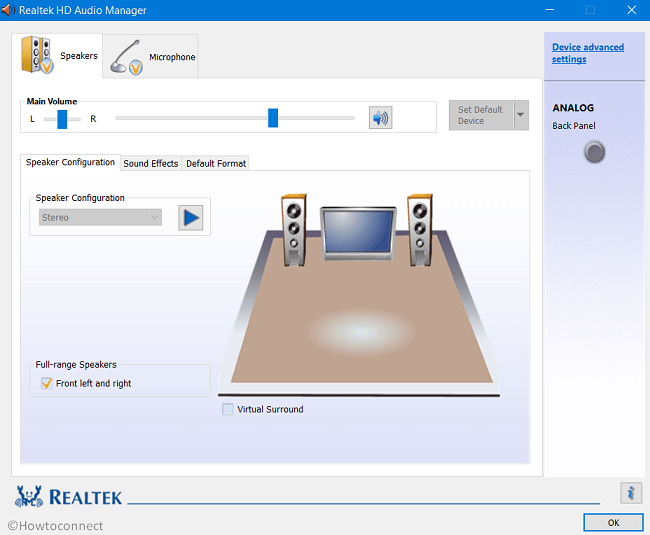
Realtek High Definition Audio Manager is a popular utility to handle volume, listening, and recording experiences in Windows desktop. The… Read More »How to open Realtek HD Audio Manager in Windows 11 or 10
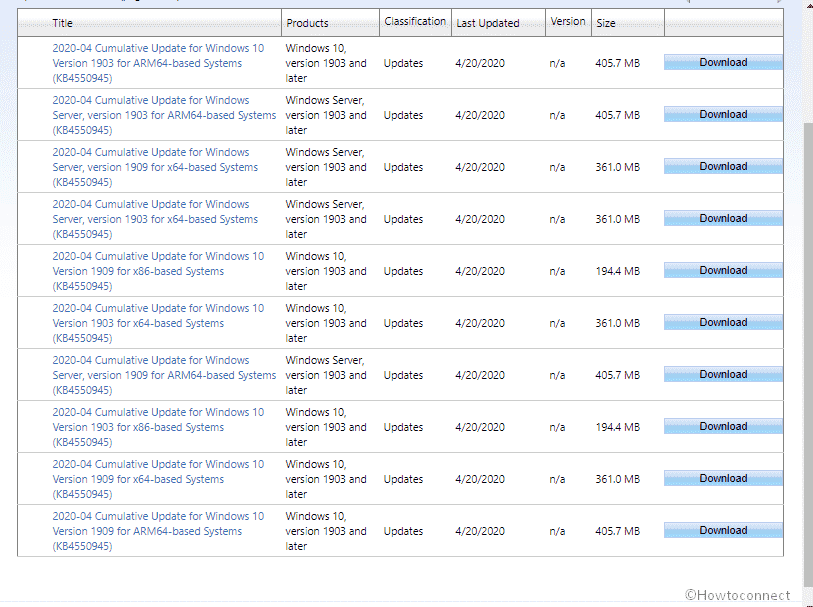
Windows 10 1909 and 1903 have received a non security update KB4550945. The patch increases the version to 18363.815 and… Read More »KB4550945 Windows 10 1909 18363.815 and 1903 18362.815 Update
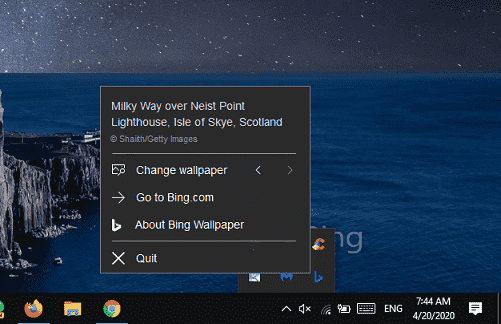
Microsoft has recently come up with a brand new app Bing Wallpaper for Windows 11/10 and for the first time,… Read More »How to Download and Install Bing Wallpaper for Windows 11 or 10