

Windows 8 Mail App – Configure and Add Several Accounts
In Windows 8 mail app several accounts can be added. Through these accounts, you may download or use any apps… Read More »Windows 8 Mail App – Configure and Add Several Accounts
In Windows 8 mail app several accounts can be added. Through these accounts, you may download or use any apps… Read More »Windows 8 Mail App – Configure and Add Several Accounts

On one side Windows 8 has a number of merits, but due to new look users are facing some new… Read More »How to build shutdown shortcut and fix it to Windows 8 Taskbar

You are able to Share Folders On Network in Windows 8 with other users in a quite simple manner. You… Read More »How To Share Folders On Network in Windows 8

After the introduction of Homegroup feature in Windows 8, sharing folders on computers becomes easy. Since this feature is continued… Read More »How to Configure Homegroup in windows 8 step by step

So, Windows 8 RTM is launched. Now you have to think about installing it on your computer. I am discussing… Read More »How to install Windows 8 RTM without product key
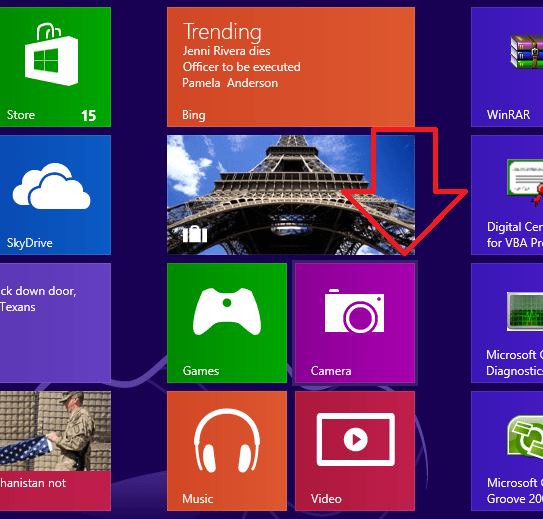
How to use Windows 8 Camera App step by step – Webcam is used for photography or capturing videos of something… Read More »How to use Windows 8 Camera App step by step

Windows 8 trial version has been presented by Microsoft in August 2012. This Version has come with some additional new… Read More »How to Install Apps from Out of Windows 8 App Store

You can build up a wireless connection (Wi-Fi) and Airplane mode in Windows 8 in several ways. You will start… Read More »How to Configure WiFi Connection and Airplane Mode in Windows 8

When you buy a WiFi Modem and establish internet access in this, the next task is to share Internet on… Read More »How to Enable WiFi Internet Sharing in Windows 8

Steps to Enable WiFi Access point in windows 8 from Command Prompt – Computer and Internet are complimentary for each other. Nowadays… Read More »How to Enable WiFi Access point in windows 8 from Command Prompt

Windows 8 has been launched in four editions so far by Microsoft – Windows Pro ( 32 bit and 64… Read More »How To Upgrade Windows 8 To Windows 8 Pro

Sometimes you get new incoming email from anyone with email signature. So you may want to add … Read More »How to configure Email Signature in Windows Mail App 8

As you know that Windows 8 consumer preview has been presented in two versions. Windows 8 Trail version has been… Read More »How to Buy Apps from Windows 8 Apps Store

Windows 8 presents some default basic apps on Metro screen after installation. These basic apps as Photos, Mail, Music, Weather,… Read More »Windows 8 Apps for Photo, Mail, Music, Weather, Store

Act of Blocking & Unblocking particular websites are two sides of the same coin. Both questions are raised by many… Read More »How to Open Blocked Sites step by step

We always want to keep our computers safe and clean. For this, we delete %temp% files, recent files in a… Read More »Steps to Delete and Disable Search History in Windows 8

In Windows 8, I have found an interesting tip to access Music and Video apps under metro screen environment. After… Read More »How to Add files to Windows 8 Apps library to work permanently

After successful installation of Windows 8, we need to activate it instantly. Otherwise we can’t upgrade windows 8 further to… Read More »How to Activate and Upgrade Windows 8