
How to Recover Computer Password using Recovery Console
To recover computer password without deleting important data is always been a tough task for the common user. But it… Read More »How to Recover Computer Password using Recovery Console
To recover computer password without deleting important data is always been a tough task for the common user. But it… Read More »How to Recover Computer Password using Recovery Console
In previous posts, We have discussed the benefits of taking back up of our contacts of email services as Outlook.com,… Read More »How to Backup and Restore Skype Contacts Step by Step

In previous posts you have get tips about how to use Android handsets like a computer webcam and access it… Read More »How to Use Bluetooth Headset as Computer Sound Device for Voice Chat
We keep a lot of files in our computer system ranging from movies to songs to images to PDFs to… Read More »6 Best Tips to Manage files and folders effectively

Windows 8 default Internet Explorer 10th edition is a popular and compatible browser. It offers fresh and better feel… Read More »How to Remove Internet Explorer 10 in Windows 8

Windows 8 Operating System supports you to access default Internet Explorer browser either from Metro app screen or… Read More »How to Restore Internet Explorer in Windows 8 Start Screen

How to View All Apps in Windows Store Step by Step – Windows Store has come with more significant… Read More »How to View All Apps in Windows Store Step by Step

Apps are beauty of Windows 8. As well it supports OS to run program smoothly. A lot of apps are… Read More »How to Repair Windows 8 Apps Step by Step
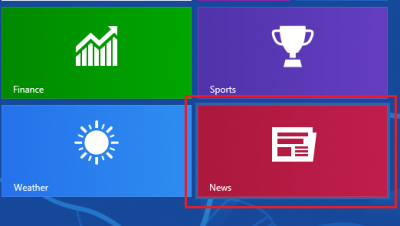
This is the time of apps. In fact apps is short form of applications, and it supports to run a… Read More »How To Customize News App in Windows 8 step by step
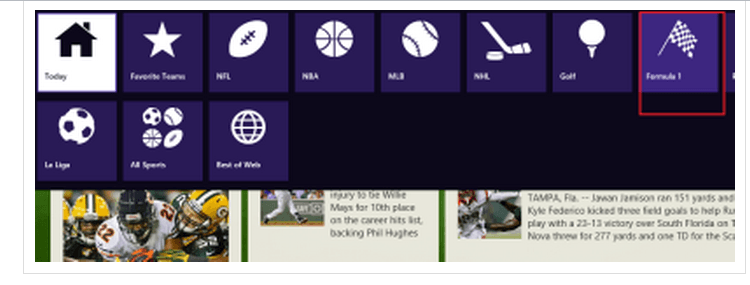
In-build apps are prime features of Windows 8. As a user of new OS ‘Windows 8’ you would be… Read More »How to Customize Default Sports App in Windows 8 Step by Step
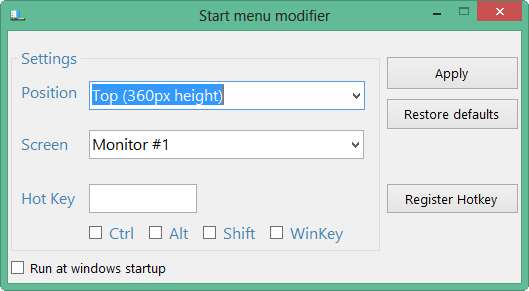
Windows 8 is a great operating system no doubt. I am running this operating on my laptop and… Read More »How to Activate Start Button and Menu on Desktop in windows 8

In Windows 8 as previous versions of Windows you will see notifications time to time. These notification are snippets and… Read More »Windows 8 Notifications Analysis and How to disable it

Windows 8 has many features as Metro Screen, User Interface (UI), Charms Bar apps store, etc. But people wants more… Read More »How to Login Windows 8 without Password Step by Step

Activate Windows now’ is a notification tray displayed by Windows time to time on our System screen. This notification… Read More »How to stop ‘Activate Windows now’ notification in Windows 8

Besides Metro start screen windows 8 is equipped with a lot of supporting tools. Refresh PC, Reset PC, Charms bar… Read More »How to Make Windows 8 System Recovery Drive step by step
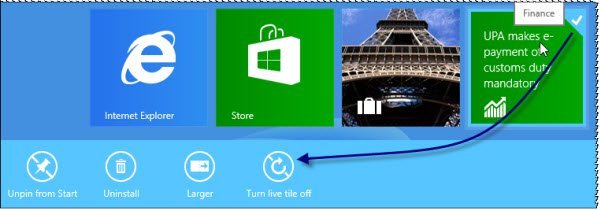
You are working with concentration on your PC and suddenly pop up or update notification appears in between, obviously, you… Read More »How to Stop Live Tile Notifications in Windows 8

Procedures to Print email from Windows 8 Mail App. – Windows 8 has brought a lot more changes in terms… Read More »How to Print email from Windows 8 Mail App

Everyone wants that his Personal Computer look is exclusive. So you may set images in the right places as your… Read More »How to Place Computer Icon in Windows 8 Start Menu, Desktop