

How to Prevent User From Resizing Taskbar in Windows 10
Taskbar Settings on Windows 10 admits you change the size of buttons (icons of the pinned applications notifications) on the… Read More »How to Prevent User From Resizing Taskbar in Windows 10
Taskbar Settings on Windows 10 admits you change the size of buttons (icons of the pinned applications notifications) on the… Read More »How to Prevent User From Resizing Taskbar in Windows 10

When you pin a website to Start and taskbar in Windows you make your job easy when it comes to… Read More »Pin Website to Start and Taskbar in Windows 10 Using Chrome
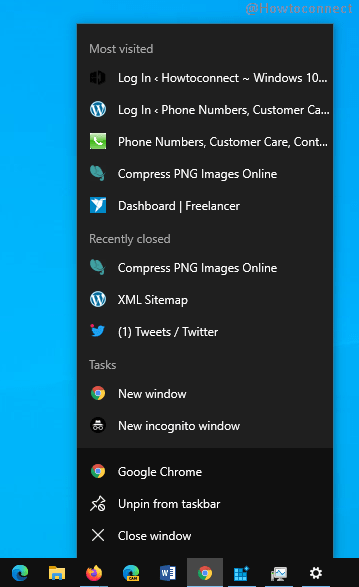
Jump lists are an extra generation feature for navigation to files, folders, and applications in Windows 10 like in the… Read More »How to Show Jump Lists on Start and Taskbar in Windows 10
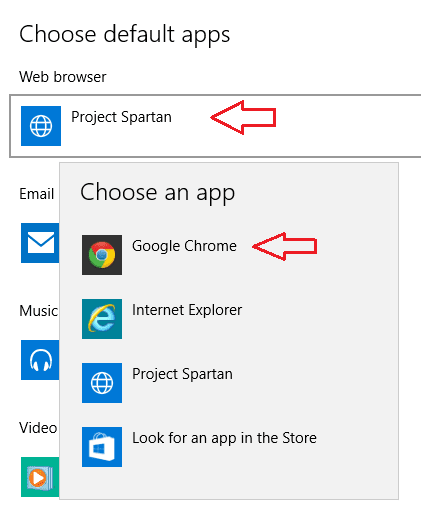
You can now make Google search from Windows 10 taskbar. Earlier we have written an article to set a… Read More »How to make Google search from Windows 10 Taskbar

With the Onset of Windows 10 reservation and the deadline coming closer, everyone is worried about whether he/ she should… Read More »How to Bring Get Windows 10 in Your Taskbar

In this article, you will read How to Change Transparency Settings of Start Menu, Taskbar on Windows 10 for the… Read More »How to Change Transparency Settings of Start Menu, Taskbar Windows 10

In this post, you will read the process to change taskbar, Start Menu and background color in Windows 10. You… Read More »How to change background, taskbar, Start Menu Color in Windows 10

Tip to Shift Third Party App Icons From Taskbar to System Tray Windows 10. Taskbar cluttered with system icon and… Read More »How to Shift Third Party App Icons From Taskbar to System Tray Windows 10

On Windows 10 Taskbar, you find search and task view toolbars. These toolbars come as default. Task View facilitates multitasking… Read More »Hide Task View and Search Toolbars From Windows 10 Taskbar

Windows 10 Taskbar has come with lots of more features and lets customize you as per your choice. From Taskbar… Read More »How to Customize Windows 10 Taskbar – Complete Guide
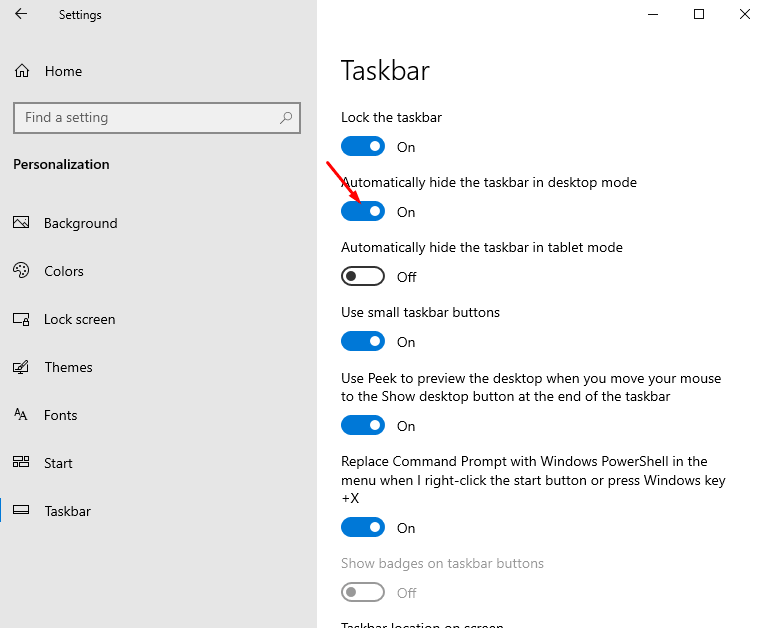
Windows 10 provides certain possibilities through which you can customize your taskbar in multiple ways. ‘Auto hide the taskbar’… Read More »How to Hide and Show Windows 10 Taskbar Automatically
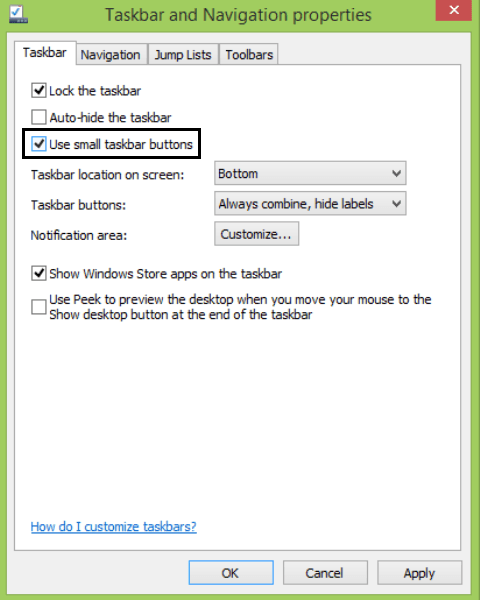
Reduce Pinned Icons Size on Windows 8.1 Taskbar. – Windows 8.1 has tried to solve many loopholes of its previous… Read More »How to Decrease Pinned Icons Size on Windows 8.1 Taskbar

How to Center Icons on Windows 8 Taskbar. – Windows 8 taskbar is disposed on the lowermost segment of Windows 8 machine’s… Read More »How to Center Icons on Windows 8 Taskbar – Tips

I always like to customize my taskbar which definitely has some custom toolbars for my easy and quick access to… Read More »How to Backup Toolbar in Windows 10/8 Taskbar and Restore

Have you found no battery icon on your Windows 8 or 8.1 Taskbar? Is Battery icon lost from Taskbar of your Laptop? If… Read More »Restore Battery Icon Lost from Windows 8/8.1 Taskbar

Windows 8 and 8.1 allow users to change their Input Language. After getting Update 1 for Windows 8.1 you might… Read More »Remove Input Language Indicator Icon from Windows 8.1 Taskbar

Windows 8.1 Users can pin, minimize windows store apps to Taskbar and access Taskbar on Start Screen after obtaining new… Read More »Stop Store Apps on Taskbar, Disable Minimize Button in Titlebar Windows 8.1

Adding Websites to Links Toolbar on Windows 8 Taskbar could lessen a substantial amount of effort you have to apply… Read More »How to Add Websites to Links Toolbar on Windows 8 Taskbar