
Windows 10 – How to Start and Use Windows Media Player (WMP)
Windows Media Player / WMP as we know is an application produced by Microsoft to play audio and video files… Read More »Windows 10 – How to Start and Use Windows Media Player (WMP)
Windows Media Player / WMP as we know is an application produced by Microsoft to play audio and video files… Read More »Windows 10 – How to Start and Use Windows Media Player (WMP)

Windows 10 Snap Assist, 2 × 2 Snapping and Vertical Snap are the advanced feature to arrange files and folder… Read More »Windows 10 Snap Assist, Vertical Snap, 2×2 Snapping – How to Apply

To Turn Off and On Energy Saver mode on Windows 10 determines the battery level at which battery saver starts… Read More »Windows 10 – How to Turn On or Off Energy Saver Mode

We all know that Microsoft has bought certain changes to its latest operating system. While doing some experiment we found… Read More »Windows 10 – How to Pin and Unpin This PC Pin to Quick access Location

On Windows 10, how toSet Warning Alarm at Low or Critical Battery Level is a very common user’s question I… Read More »Windows 10 – Set Warning Alarm at Low or Critical Battery Level

You may turn off Animations on Windows 10 in two ways. First through System Properties which can also be launched… Read More »Windows 10 – 2 Ways to Turn off Animations

Storage Sense is an advanced option on Windows 10 to let you know the status of space available on your… Read More »Windows 10 – How to Access and Use Storage Sense

How to Turn off AutoPlay in Windows 10 – In Windows 10 operating system, you must have noticed one action.… Read More »Windows 10 – How to Turn off AutoPlay

To free up your computer’s hard drive disk space, Microsoft Windows 10 has a maintenance utility which is termed as… Read More »Windows 11/10 – How to Open and Use Disk Cleanup

Pin logon on Windows 10 provides you the facility to sign in using 4 digit PIN. This facility almost eases… Read More »Windows 10 – How To Create 4 Digit PIN Logon

In Windows 10, the tiles on the Start Menu or Start Screen can be stable or functional. The stable tiles… Read More »Windows 10 – How to Clear Personal Information from Tiles

Whenever you bring any changes to your system like installation of any new software or shell extension etc, you are… Read More »Windows 10 – How to Exit and Restore Explorer – Trick
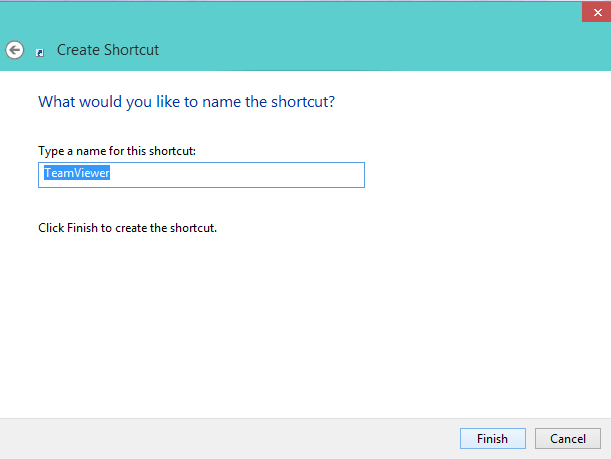
How to Run Program Automatically at Startup in Windows 10 – Certain programs run in the background whenever a computer… Read More »Windows 10 – How to Run Program Automatically at Startup

How to Encrypt Drive Partition using Bitlocker in Windows 10 – Are you feeling insecure pertaining to the defense of… Read More »Windows 10: How to Encrypt Drive Partition using Bitlocker

Charms Bar of Windows 8 or 8.1 was the only way to get access into most of your system’s item.… Read More »Windows 10 – How to Open Charms Bar

A secret or you can also term it hidden Windows 10 administrator account is there that you might be not… Read More »Windows 10 Tips – Enable Administrator, Guest Account

Windows 10 has introduced Disk Cleanup tool with an advanced feature. Disk Cleanup is very useful tool for windows and… Read More »Include System Compression in Disk Cleanup on Windows 10

You must have noticed in the previous posts on Windows 10, where the new feature Task View has been mentioned.… Read More »Access Task View, Add, Switch to Desktops on Windows 10 – Guide