

How to Change Color and Size of Start Menu on Windows 10
Windows 10 has really made many faces smile with the comeback of the Start Menu. Some of the Start Menu… Read More »How to Change Color and Size of Start Menu on Windows 10
Windows 10 has really made many faces smile with the comeback of the Start Menu. Some of the Start Menu… Read More »How to Change Color and Size of Start Menu on Windows 10

Windows SmartScreen is a security tool on Windows 10 got from its earlier editions like Windows 7 and 8 to… Read More »3 Tips to Enable / Disable SmartScreen on Windows 10

Boot Windows 10 Without Logging in Microsoft Account – A Substantial number of users of Windows 10 think it arduous… Read More »Boot Windows 10 Without Logging in Microsoft Account

Every app comes with the variety of updates and pushes notifications time to time. These notifications cause interruption during working… Read More »How to Disable / Enable App Notifications on Windows 10

In Windows 10, you will like the new user interface and apps that run in simple window mode and full… Read More »How to Uninstall Large Space Taking App from Windows 10

System Tray, (Notification Area) shorted as “systray” is located at the right side of the Windows 10 Taskbar. You can… Read More »Customize System Tray on Windows 10 on Your Own Preference

In our earlier posts, we have already discussed on some of the Windows 10 personalization tips so that you can… Read More »How to Change Windows 10 Start Menu Look like Windows 7

Command Prompt with administrator privileges provides you the ground where you can play with your Windows 10 directly. But the… Read More »How to Launch Elevated Command Prompt on Windows 10

Do you want to show or add or Pin Control Panel to Windows 10 Start Menu for your convenience to… Read More »Show / Add / Pin Control Panel to Windows 10 Start Menu

When I completed the installation of Windows 10 on my computer I got a little bit confused about bringing This… Read More »How to Bring This PC icon on Windows 10 Desktop Quickly
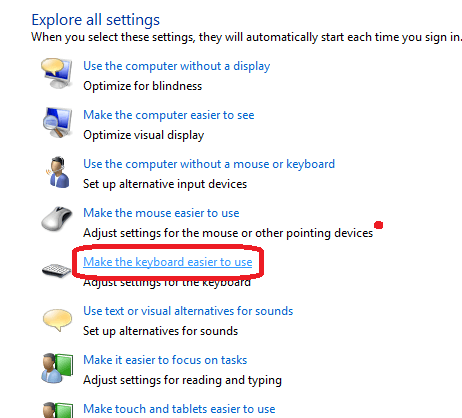
How to Customize Keyboard Settings on Windows 10 – To operate a computer we need a keyboard which is basically… Read More »How to Customize Keyboard Settings on Windows 10
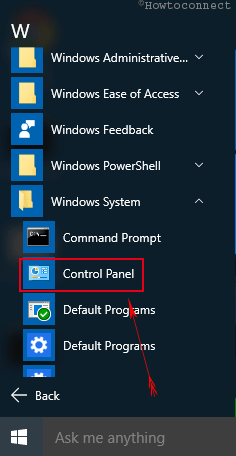
When you need to change any setting you open Control Panel on Windows 10. You can access it through command… Read More »How to Open Control Panel on Windows 10 – Instant Ways

Windows 10 allows customizing sign in options to skip password on wakeup or returning from sleep. This setting saves your… Read More »Skip Password on Returning From Sleep on Windows 10
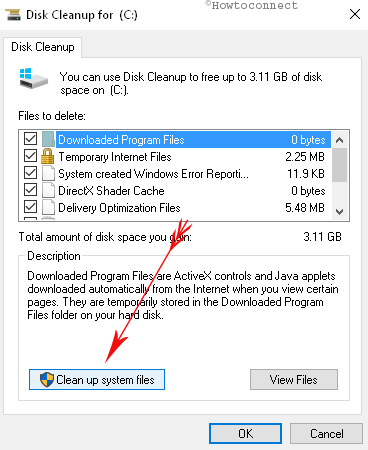
Cache stored on Windows 10 retards your PC from working with its efficiency. PC starts showing various kinds of issues… Read More »How to Clear Cache on Windows 10 – All Type

Changing Desktop background image on an OS exhibits a fresh look and feel of PC. Windows 10 allows customization of… Read More »How to Change Desktop Background Image on Windows 10

Here, in this article we are going to introduce you the concept of dual booting of windows 10 with windows… Read More »How to Boot Windows 10 along with Windows 7

Entering password every time while you are starting your Laptop or PC creates irritation and burden. But, you can bypass… Read More »How to Start Windows 10 Without Password Automatically

How to Use Multi Desktop on Windows 10 – As you know the Windows 10, the new version of Windows… Read More »How to Use Multi Desktop on Windows 10