

How to Launch Command Prompt at Boot in Windows 10
Today in the Windows 10 tips, we are composing 2 methods via which you would be able to Launch Command… Read More »How to Launch Command Prompt at Boot in Windows 10
Today in the Windows 10 tips, we are composing 2 methods via which you would be able to Launch Command… Read More »How to Launch Command Prompt at Boot in Windows 10

Internet Explorer has a certain limit (10MB) fixed for the data storage and it is filled up quickly if you… Read More »Add More Data Storage for Sites to Internet Explorer (IE)

If you are using Windows 10 you must have experienced quite new features of it. Well, to be frank when… Read More »How to Get Rid of Drop Shadows Effect on Windows 10

There are certain programs that run in the background whenever you boot up your system. Although they are not… Read More »Disable Unwanted Startup Programs on Windows 10 for Faster Boot

On Windows 10 Taskbar, you find search and task view toolbars. These toolbars come as default. Task View facilitates multitasking… Read More »Hide Task View and Search Toolbars From Windows 10 Taskbar

When you lost WiFi password on Windows 10 you can recover it manually and there is no need of third… Read More »Recover WiFi Password on Windows 10 without Third Party Tool

Windows 10 has come with the attractive look and imaginary facilities. The most favourable thing is that Windows 10 provides… Read More »Sign out, Lock Windows 10 through Start, Power User Menu
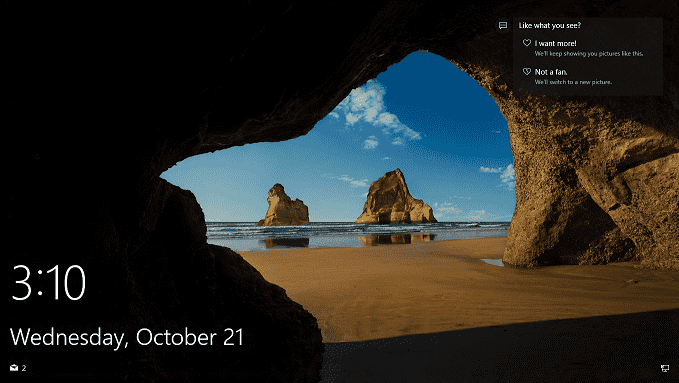
Windows 10 Lock Screen is the first screen you find after powering on the PC. This greets you with… Read More »How to Disable or Turn Off Windows 10 Lock Screen

Windows 10 has some of the favorite features for its users. But the functioning of Safe Boot in Windows 10… Read More »3 Ways to Boot Windows 10 Into Safe mode

After installing Windows 10 on your PC, you observe the default locations like Favorites, Frequent Folders, and Recent Files when… Read More »Delete Recent, Frequent from File Explorer on Windows 10

While you are working on your desktop you think to change the size of texts. Many users might want… Read More »How to Change Icons and Text Size on Windows 10

While you are working continuously on desktop for few hours your eyes start to stretch and also feel burning. It… Read More »Adjust Brightness and Contrast on Windows 10 Desktop

When you need to remove an application or software from your computer the way is uninstallation. People who are in… Read More »How to Completely Uninstall Software From Windows 10 – Beginners

Windows 10 misses the ability to set ad hoc network feature, in contrast to Windows 7. Anyways Windows 10… Read More »Create Wireless Ad Hoc Internet Connection on Windows 10

First, let me explain to you the concept of metered connection. There are many service providers who provide internet… Read More »Configure Sync Settings over Metered Connection on Windows 10

Today we present you an interesting feature of Windows 10. The post is about the customization of sync settings on… Read More »How to Customize Sync Settings on Windows 10

To install an application on your PC when you click on the setup or open an application which runs with… Read More »How to Stop User Account Control / UAC on Windows 10

Procedures to Update Driver Software on Windows 10 stepwise – When a particular device is attached to a computer it… Read More »Tips to Update Driver Software on Windows 10 Step by Step