
How to Turn on Show Search Suggestions as Type in Edge
When you turn on Show search suggestions as type in Edge, you are able to view several suggestions in the… Read More »How to Turn on Show Search Suggestions as Type in Edge
When you turn on Show search suggestions as type in Edge, you are able to view several suggestions in the… Read More »How to Turn on Show Search Suggestions as Type in Edge
After you enable send do not track requests in Edge, you safeguard your computer by restricting the web pages, advertisers… Read More »How to Enable Send Do Not Track Requests in Edge
Print a web page in Microsoft Edge – This browser facilitates you to draw printout of your favorite webpage. When… Read More »How to Print a Web Page in Microsoft Edge

A custom Start page in Microsoft Edge is the web page of your choice that opens up when you launch… Read More »How to Set a Custom Start page in Microsoft Edge
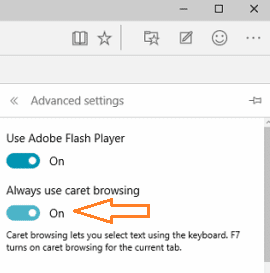
If you enable Caret browsing in Microsoft Edge on Windows 10 you can use the keyboard cursor to move among… Read More »How to Enable Caret browsing in Microsoft Edge on Windows 10

The basic recommendation given to every user to develop their Windows 10 computer blaze fast is to optimize the paging… Read More »How to Tweak Paging File for better Windows 11 or 10 Performance
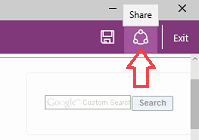
Microsoft Edge, as promised by Microsoft has become the Windows 10 own web browser. Apart from this, Edge has also… Read More »How to Create Web Notes on Webpages in Edge
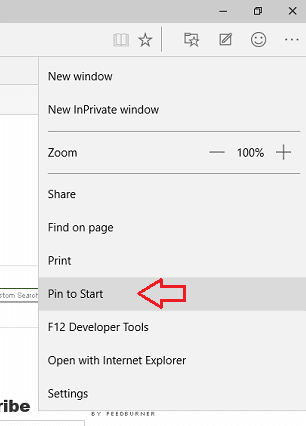
Accessing a Website from Windows 10 operating system has always been an easier and interesting stuff. But it can be… Read More »How to Pin a Website to Windows 10 Start Menu using Edge
You can experience the Microsoft Edge in the final outcome of Windows 10. Now, in this article, we represent you… Read More »Keyboard Shortcuts of Microsoft Edge Browser Complete List
How to Identify Missing Driver in Moments and Locate – You must have confronted problems in your Windows operating system… Read More »How to Identify Missing Driver in Moments and Locate on Windows
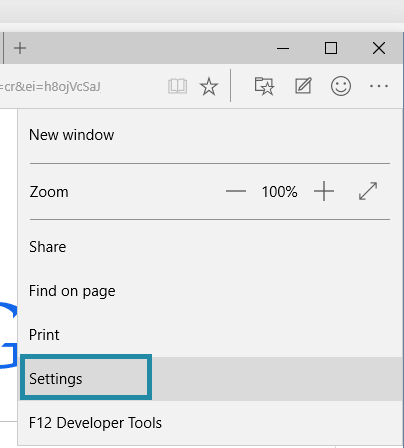
Edge is now the new default web browser in Windows 10. The fresh released build 10049 brings the Edge with… Read More »How to Use Microsoft Edge on Windows 10
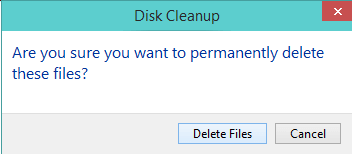
To free up your computer’s hard drive disk space, Microsoft Windows 10 has a maintenance utility which is termed as… Read More »Windows 11/10 – How to Open and Use Disk Cleanup
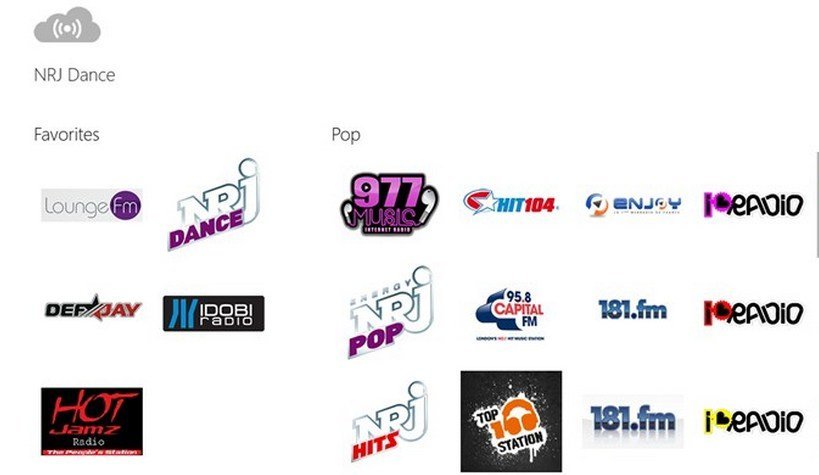
Radio+ is a free windows 8 app. This app has been designed especially for radio lovers. They will find this app… Read More »Radio+ Windows 8 App – Listen to Your Favorite Radio Stations

Notepad classic is a free app of windows 8 and works as a text editor. It does all… Read More »Windows 8 Best Free Text Editor: Notepad Classic
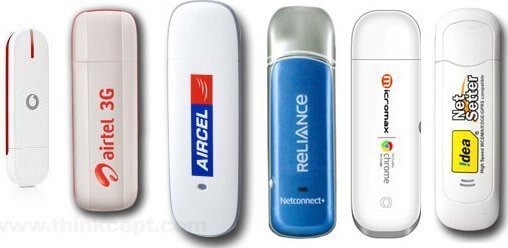
These days usage of wireless internet device is increasing wide-spread. So, USB Dongle has become a necessary device to get… Read More »How to Fix USB Modem or Dongle or Data Card Connection Problems
I would like to introduce ‘Multimedia 8’ app which is in Windows Store and makes Windows 8 more enjoying. The… Read More »Multimedia 8: The Best Media Player for Windows 8 /10

How to connect Computer to wireless Router to access Internet: An active Internet connection requires its connection with the wide… Read More »How to connect Computer to wireless Router to access Internet