

Control video and audio speed in browsers with Global Speed
Global Speed is the extension for Chrome and Microsoft Edge and add-on for Firefox to control the speed of all… Read More »Control video and audio speed in browsers with Global Speed
Global Speed is the extension for Chrome and Microsoft Edge and add-on for Firefox to control the speed of all… Read More »Control video and audio speed in browsers with Global Speed
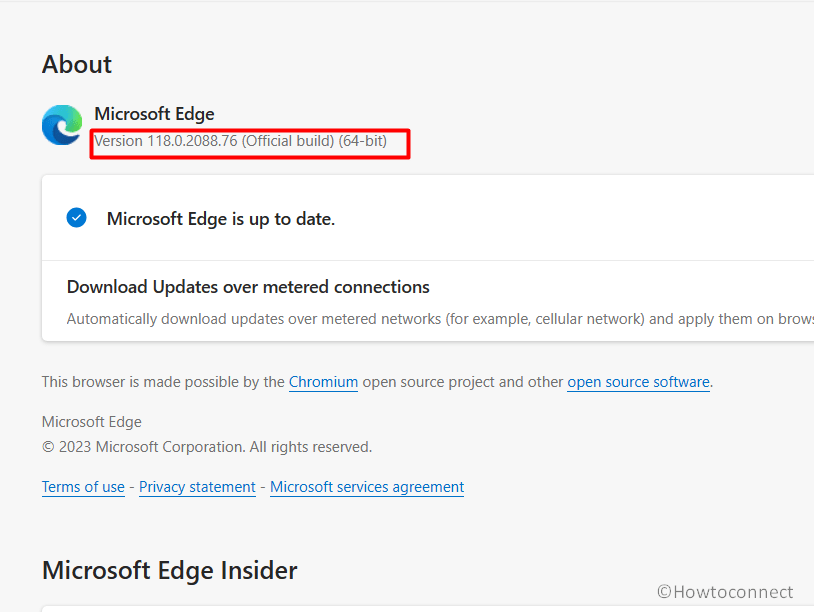
The stable channel of Microsoft Edge received a security update on 27/10/2023. This new version 118.0.2088.76 of the browser includes… Read More »Microsoft Edge Version 118.0.2088.76 Stable Released with a vulnerability fix

There is a new update 120.0.2165.1 available to Dev channel of Microsoft Edge Insider. toggle translate on PDF toolbar, sign… Read More »Microsoft Edge 120 (120.0.2165.1) Released to Dev Channel

An update arrived to the stable channel version of Microsoft Edge with a significant change. This Official build is 118.0.2088.57.… Read More »Microsoft Edge 118.0.2088.57 Stable with Copilot icon in sidebar

With 4 new features and policies, Microsoft Edge Beta gets a new version 119 (119.0.2151.12). This update contains Behavioral changes… Read More »Microsoft Edge Beta 119.0.2151.12 brings Split screen restore

Recently, a new version Microsoft 118 rolled out to Stable and Extended Stable channels with various improvements. This update brought… Read More »Security Baseline for Microsoft Edge 118 Released
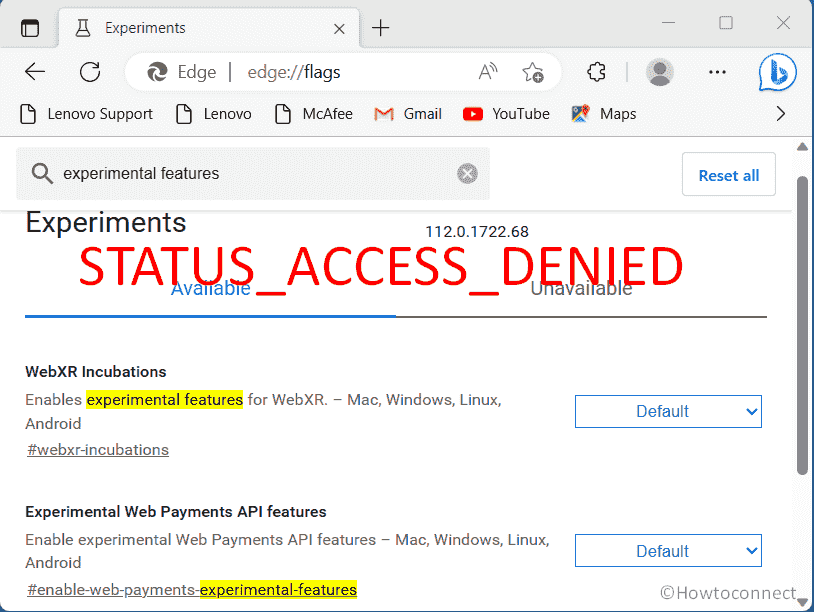
Are you struggling with the Microsoft Edge STATUS_ACCESS_DENIED error message on your Windows 11 system? This issue can be aggravating… Read More »Fix Microsoft Edge STATUS_ACCESS_DENIED in Windows 11

Microsoft Edge has recently received an update containing fixes for nasty bugs and vulnerability. After installing the new version, a… Read More »How to Fix Microsoft Edge 105 not opening in Windows 11 or 10

When launching Microsoft Edge on your computer you experience a Good morning/Good evening/ Good night) with your name in the… Read More »How to Show or Hide Greeting on Microsoft Edge

Performance mode in the Windows 10 built-in browser helps you optimize speed, responsiveness, memory, CPU, and battery usage. This feature… Read More »How to enable and disable performance mode in Microsoft Edge
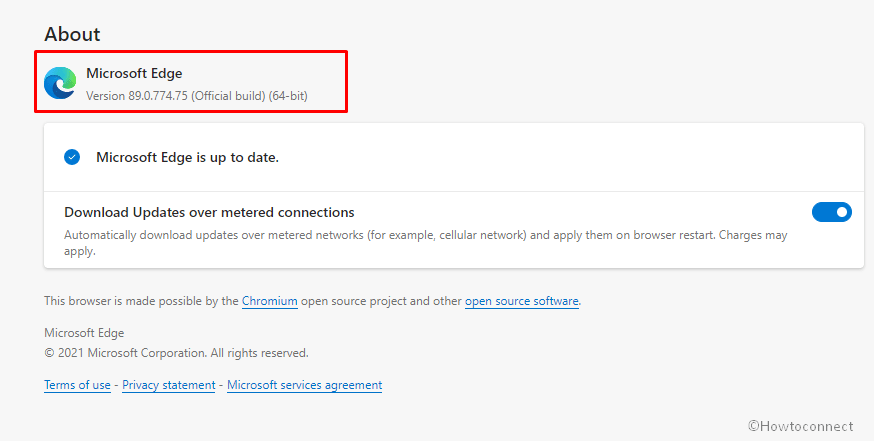
Stable and all the insider version of Chromium based browsers for Windows has received new updates. Dev channel brings to… Read More »New Microsoft Edge Stable, Beta, Dev, Canary builds Rolled out

A big update for Dev! Microsoft Edge Insider is receiving several amazing features and changes such as sign-in and sync… Read More »Microsoft Edge Dev 91.0.831.1 Released with mass number of Changes

To ensure satisfactory performance and better web compatibility with the sites and extensions Windows 10 users use on daily basis,… Read More »How to Hide or Show History button in Toolbar in Microsoft Edge

With Edge browser, Microsoft managed to deliver a worthy competition to immensely popular third-party browsers like Chrome and Firefox. This… Read More »How to Pin Browsing History in Microsoft Edge

The Chromium-based browser already provides you to enable dark theme and light theme on Windows. Windows 10 lets you personalize… Read More »How to Enable Accent Color Theme in Microsoft Edge Browser

Chromium-based web browser Microsoft Edge is a new entrant in Windows 10 and earlier versions with trendy features. Traditionally, browsers… Read More »How to disable / enable Vertical tabs in Microsoft Edge Browser

Startup boost as the name indicates improves the speed of the startup. This enables the Microsoft edge to be available… Read More »How to Turn on or Off Startup Boost in Microsoft Edge

Microsoft Edge has added a new function to capture the running browser window. The option available on the 3-point menu… Read More »How to Web Capture in Microsoft Edge to Take Screenshot